Redirect Software in 2026: 10 Tools Compared by Use Case

Key takeaways
Pick redirect software by the job: campaign links and QR codes, site-wide migrations, rules inside WordPress, or self-hosted control. Branded-link platforms edit destinations well but are not built to map every URL on a retiring domain. For a migration, look for path and query forwarding, bulk import, one hop from each old URL to its final page, and monitoring after launch. Keep permanent redirects in place after the move, and put printed or indexed URLs on a hostname you control.
When a domain change goes live on Friday, the failure rarely waits for a ticket. By Monday the old pricing page returns 404s, a campaign link still carries last quarter's path, and a QR code on a printed flyer still points at a retired host. The public URL didn't move with the site. Someone chose redirect software built for a different job.
That mix-up is easy to make. A branded shortener is strong at swapping a campaign destination after the link is already in the wild. It is the wrong tool for every indexed URL on a retiring domain. A WordPress plugin can catch permalink edits inside one install. It can't answer DNS for a hostname you no longer host. An edge rule can send a whole domain in a single hop. It won't give marketing a QR code they can edit after the flyer is printed.
The split is the point of this list. Ten options below are grouped by the work they were originally built for: campaign links, site-wide migrations, rules inside WordPress, or self-hosted control. Branded-link platforms get flagged where they fall short for full-site redirect work. Status codes still decide what clients and crawlers do next. Permanent codes signal a lasting move. Temporary codes do not. The method-preserving pair matters once forms, checkout, and APIs are in the path, because a POST that becomes a GET without anyone noticing is a broken request, not a tidy redirect.
1. RedirHub#
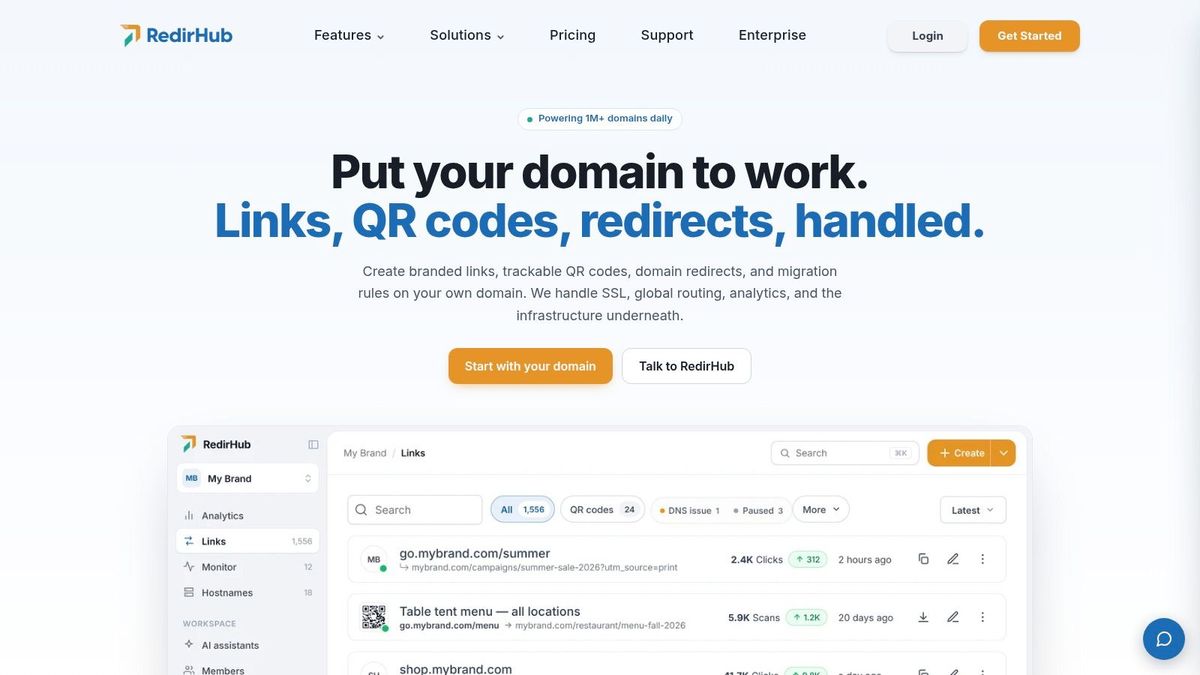
RedirHub is the option that tries to hold campaign links and migration maps in one place, on domains you already own. You point DNS at the service, create a redirect-from URL and a redirect-to URL, and the public hostname stays yours. Destinations can change later, including a switch between 301 and 302, without another DNS edit.
That combination is what most roundups blur. Shorteners own the marketing link. CDNs own the infrastructure rule. A plugin owns the CMS. Here, branded links, dynamic QR codes, domain redirects, and website-migration mappings share one Links page, with automatic HTTPS, a Management API, and an MCP server for assistant-driven checks.
What holds up on a live move#
Keep path and query forwarding on for migration work, so old-brand.com/pricing?utm_source=x lands on the matching path with its tags intact at the new host. Chain detection flags a permanent redirect that would otherwise hide a second hop leaking equity and latency. Continuous monitoring then watches the live redirects, because a destination that starts returning 404s after launch is the failure nobody files a ticket for.
Redirects answer over HTTPS from 130 Global PoPs. There is no server to maintain and nothing that has to boot before a request gets a response. A Dedicated Cluster add-on is available on Pro.
Plans, limits, and the fine print#
Core covers 25 domains and 2,500 managed links, and Pro covers 250 domains and 10,000 managed links, plus advanced analytics, monitoring and alerts, advanced routing and controls, and a workspace audit log with filters, a five-week activity heatmap and CSV export. Pro comes with a 14-day free trial; Core starts right away. Frame redirects load the destination in an iframe while keeping your domain in the address bar. A root domain and its automatically covered www use one domain slot, and a basic whole-domain redirect doesn't consume managed-link capacity, so a parked domain uses a domain slot but no managed-link capacity. Enterprise capacity is set by contract.
Practical rule: If the public URL is printed, emailed, or indexed, put it on a hostname you control, then change only the destination.
Keep permanent redirects in place after a migration. External backlinks, bookmarks, and indexed URLs can send traffic for years, and pulling a redirect early is how a clean move decays into 404s. You do need the domain and DNS access to start. If the job is a one-off social post on a vendor's short domain, this is more infrastructure than that job needs.
2. redirect.pizza#
redirect.pizza[1] is a hosted redirect layer for hostnames, not a campaign studio. You point a source hostname's DNS at the service and edit rules in a dashboard. There is no redirect server to patch. That is the right shape for domain consolidation, vanity hostnames, and moves where the path has to survive.
The status menu matches how the web behaves. 301 ("Moved Permanently") and 302 ("Found") are the older pair. 308 ("Permanent Redirect") was standardized in April 2015 by RFC 7538[2] so a permanent move could keep the original method, including POST. 307 does the same for temporary moves. Use 301 or 308 when the URL is gone for good. Use 302 or 307 for a test, a maintenance window, or a short campaign. Changing the method on an API or a checkout form is how a "simple" redirect breaks the request.
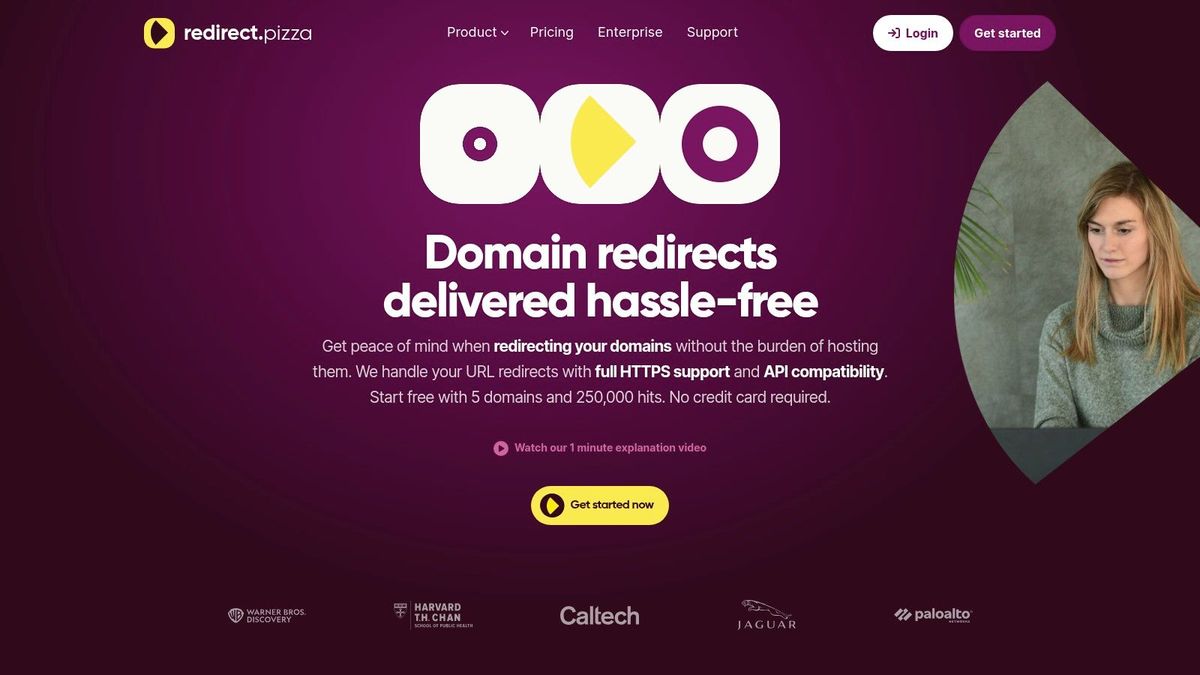
Path-specific rules and whole-hostname rules both exist, with path and query forwarding. An API, bulk import and export, and a Terraform provider cover teams that don't want click-ops. Analytics and destination monitoring show up on eligible plans. A limited free tier is available.
The hard limit is the hostname itself. Once DNS points here, that name can't also serve the rest of an existing site. Regex and monitoring depend on the plan, and you need DNS control. For a full cutover of a retired domain, this category fits. For editable QR codes and team link workspaces, it doesn't.
3. Cloudflare Redirect Rules#
If the domain is already proxied, Cloudflare[3] can answer the redirect before an origin ever wakes up. That is the performance argument, not a branding one. Each redirect is an extra HTTP request. When it crosses origins, DNS, TCP, TLS, and the round trip can add hundreds to thousands of milliseconds, which is why migration performance guidance[4] treats redirects as a load-time cost, not a free alias. An edge rule that finishes in one hop beats an application rule that boots, authenticates, and queries a database first.

Rules, not a link product#
Single Redirects cover static targets and dynamic patterns, including wildcards. Bulk Redirects take lists of source and destination URLs. You can keep a path suffix and a query string. Redirect features exist on the Free plan, and documented Bulk Redirect list room starts at 10,000 URLs there. Higher plans raise quotas. You still have to manage matching order and those quotas yourself.
This is infrastructure, not a branded-link desk. There is no campaign workspace, no dynamic QR asset, and no "edit the flyer destination" workflow. Domains must be proxied for these products to run. If Cloudflare isn't already your DNS and CDN, adopting it only for redirects is a large change. Teams that want the free edge path without rebuilding the rest of the stack can follow how to redirect a Cloudflare domain to another URL and compare that with a dedicated redirect hostname.
Normalize HTTP-to-HTTPS and trailing-slash behavior into that single hop. A chain of HTTP, then HTTPS, then www, then the final path is three extra requests you didn't mean to ship.
4. Rebrandly#
Rebrandly[5] is built for links people share, not for a sitemap. You attach an organization domain, publish a short URL, change the destination later, and read click analytics. QR codes, an API, team workspaces, and webhooks sit around that core. Enterprise plans add SSO and tighter controls. A free plan is enough to try branded links and codes. High-volume API options exist when creation is programmatic.
The ceiling shows up the moment the job is "every old URL." Link, domain, edit, and analytics allowances change by tier, and the product is not a general redirect map for a website. You will not import a crawl of indexed paths and call the migration done.
Editable links need an owner#
Destination edits are the feature marketing wants and the feature security should review. APWG's Q2 2025 trends report[6] records how fast QR abuse moved. Mimecast detected 635,672 unique malicious QR codes in Q2 2025, then 716,306 in Q3, with more than 3 million unique malicious QR codes across the 12 months through Q3. APWG recorded 1,642 brands targeted by QR-code attacks. A printed code can stay in circulation for years. You can't recall the paper.
Editable links aren't automatically safer. Without an approval step, the same edit that saves a reprint is a trusted phishing surface.
If you use a platform like this, pair it with role limits, change history, expiry, and a kill switch. Don't treat it as the system of record for a domain cutover.
5. Short.io#
Short.io[7] fits agencies running short links across several client brands. The pitch is custom domains per brand, bulk creation through CSV or spreadsheets, dynamic QR codes, and an API for programmatic work. Destinations stay editable, so the public short link doesn't change when a landing page does. Team roles, click analytics, and targeting cover the marketing side.
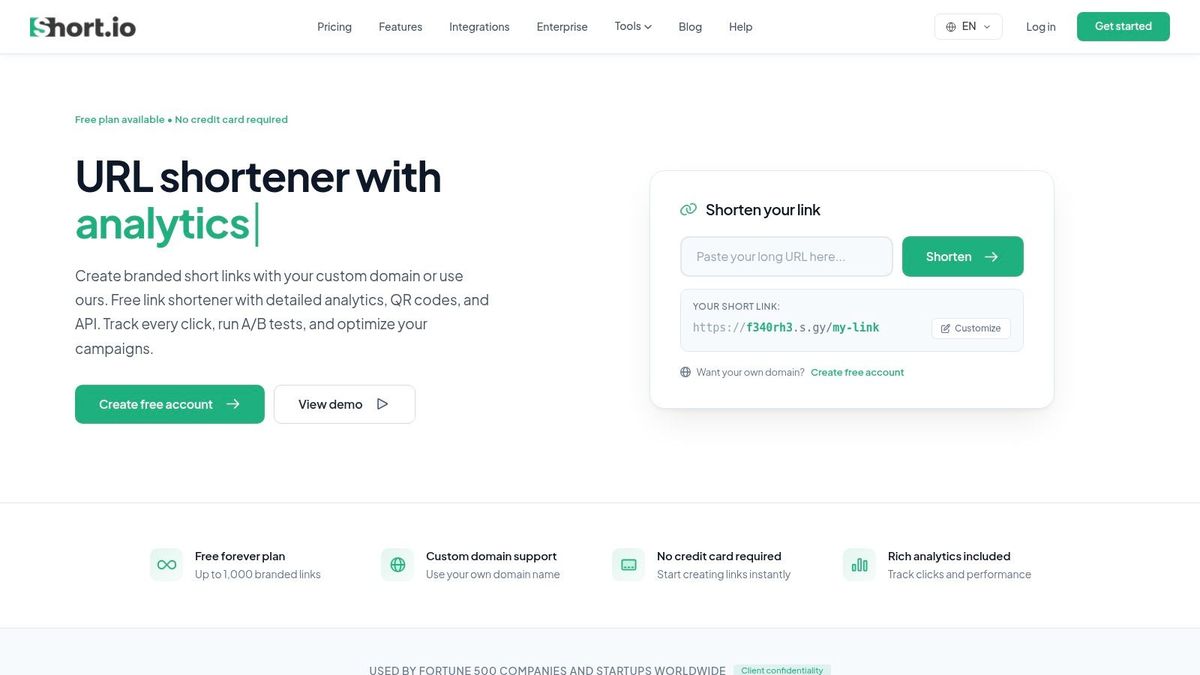
A free plan exists, and paid tiers add volume and controls. Link, domain, and automation limits move with the plan, and vendors revise tiers often. Confirm current free-tier limits on Short.io's pricing page before you promise a client a custom domain or script a large catalog. Free allowances can change between evaluation and signup, so check the week you commit, not the month you shortlisted.
Retail and CPG teams have a reason to care about the QR half. Bitly's 2023 QR Code Trends Report, as covered by Hospitality Technology[8], found QR-code creations in retail and consumer packaged goods up 88% in 2023. Packaging codes outlive social posts, and a shortener can update those destinations after print. It won't preserve a legacy path structure, forward every query variant, or own a hostname-level redirect during a replatform. Run campaigns here. Route the migration somewhere else.
6. Bitly#
Bitly[9] is the familiar campaign stack: short links, QR codes, analytics, and team controls. Marketing teams already know the workflow, which is worth something when the alternative is a spreadsheet of raw URLs. Branded domains appear on eligible plans. The API and enterprise integrations cover higher volume. Enterprise also adds collaboration, SSO, and stronger security controls. A free plan exists for basic testing.
Creation limits for links and QR codes differ by tier, and branded links are not on every plan. Read the tier before you promise clients a custom domain. This is not a website redirect map and not a domain-migration tool. There is no serious model here for "take 40,000 indexed URLs and send each one to its replacement."
In the first half of 2023, global QR-code creations rose 41% versus the same period in 2022, according to Bitly's 2023 QR Code Trends Report[10]. That demand is why the category feels crowded. It doesn't change the job boundary. Measure campaigns here. Move the site somewhere else.
For a direct read on where a migration platform and a shortener diverge, see a side-by-side link platform comparison. If your only need is a known editor and basic click reports, Bitly is a fair default. If the old domain must keep resolving deep links, it is the wrong category.
7. Dub#
Dub[11] aims at product and growth teams that want the click tied to a conversion, not just counted. Custom domains, link creation, and QR codes are the base. Analytics and conversion tracking sit on top. Event webhooks land on paid plans. The API and developer tools fit a startup that already ships from code. Higher tiers add workspace controls, permissions, and SSO.
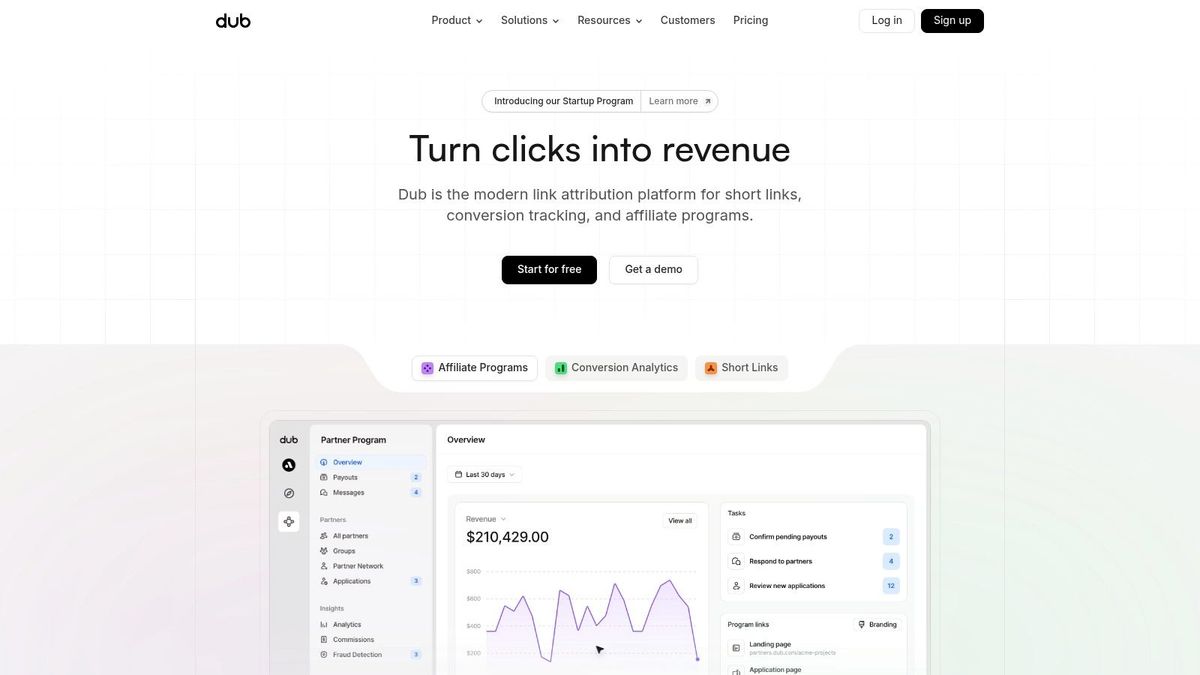
A free plan covers a small link and click allowance, which is enough to prove the attribution loop. Paid tiers raise tracked events, link creation, and domain room. Some plans include partner-management features you will never touch if all you wanted was a redirect. That is fine if partnerships are the job. It is clutter if they aren't.
Dub is not a drop-in replacement for redirects on an existing website. You shouldn't point a legacy marketing domain at it and expect path-preserving coverage of every old article. Latency still matters once you do put a hop in front of a signup. Run the public URL through a redirect speed test against Dub from the regions you serve, and compare that hop with a direct request. Track redirect-added time on its own. An average will hide a bad tail for distant users.
8. Linkly#
Linkly[12] stays in the marketer's lane, with a few routing tricks the plainer shorteners skip. Custom domains, click analytics, and QR codes with editable destinations are standard. On the right plan you also get geo and device routing, link rotators, and expiration. An API and automation integrations connect the links to the rest of a campaign stack.

The free plan fits low volume. Paid tiers step up link, click, and domain allowances. Monthly caps are the trade-off to price before a launch, including what happens when a free-plan click limit is hit and what overages cost. A rotator or a geo rule is useful for a test. It is a liability if nobody owns the rule after the test ends and half your traffic still lands on the loser.
This remains campaign redirect software. It will not inventory backlinks, enforce a one-hop map from old paths to final canonical URLs, or sit in front of a hostname that must keep serving a real site. Agencies can run many client campaigns here. They should not tell a client the domain migration is handled because the short links look tidy.
A routing rule you can't name after launch is just another chain waiting to happen.
9. Redirection#
Inside WordPress, Redirection[13] is the practical plugin. It manages 301 redirects, watches 404s, and can create a redirect when a post or page permalink changes. Import and export speak CSV, JSON, Apache, and Nginx, so a rule set can leave the plugin if you later move the site. WP-CLI covers scripted updates. The core is free. There isn't a paid tier you must purchase to do the basic job.
That 404 log earns its place. A 2025 analysis of redirecting URIs, discussed in the MDN redirection guide[14], found 62,000 custom 404 URIs, and nearly half of those 404s were soft 404s. A page that returns 200 while saying "not found" will not show up as a clean failure in a naive check. The plugin's 404 monitor is how you catch the misses a permalink change created. It won't classify soft 404s on other hosts for you.
The stack you already have#
The plugin only runs where WordPress runs. It is not a hosted domain router, not a branded short domain, and not a dynamic QR system. Speed and uptime are your host's problem. A slow PHP stack in front of every legacy hit is a poor place to park a retired domain that no longer has a site. Use Redirection for in-CMS permalink cleanup and for importing a finite rule list onto a WordPress property. Put hostname-level cutovers somewhere that doesn't need WordPress to boot.
10. Shlink#
Shlink[15] is the self-hosted shortener for teams that refuse a vendor namespace and are willing to run the service. You get short links on a domain you own, a REST API, a CLI, and an official web client that can manage more than one instance. Imports and dynamic redirect rules are part of the project. Docker and other documented installs are the on-ramp.
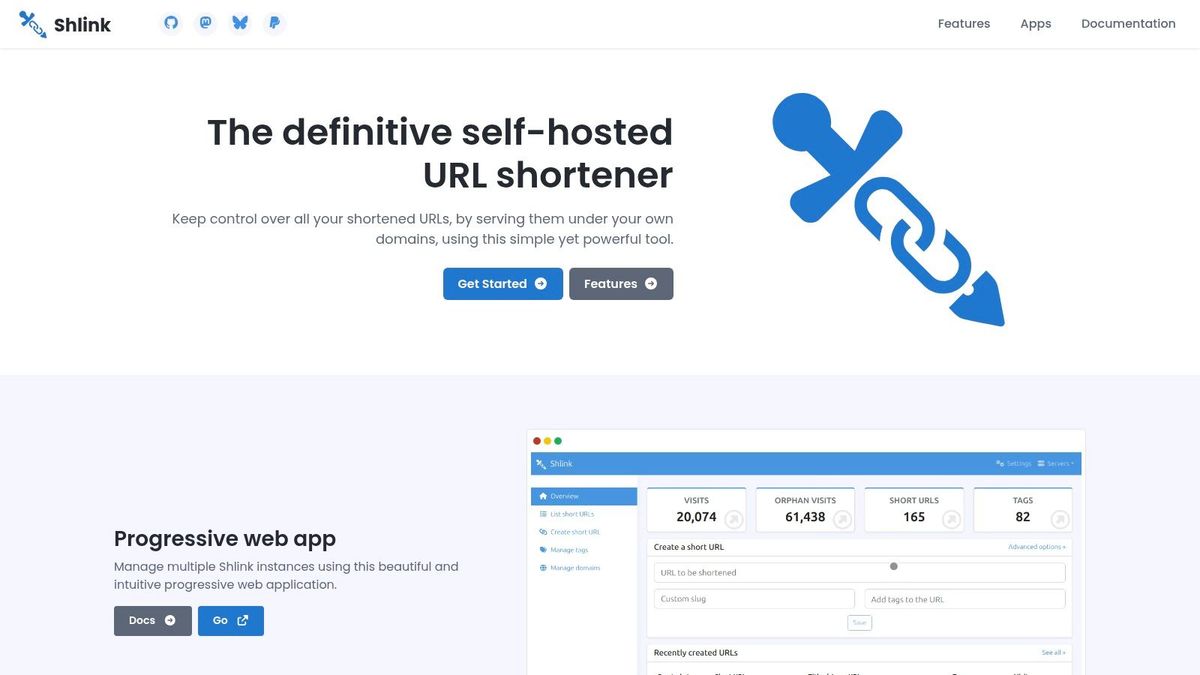
Control is the pro and the con. You choose the host, the database, the TLS, the backups, and the update window. Nobody else's short domain appears in the public URL. You also own the outage. There is no vendor uptime target to point at, and a missed patch is your incident. Teams without someone who already runs internal services will feel that within a month.
Shlink is still a shortener. Dynamic rules help, but this is not turnkey software for a multi-domain migration with path forwarding, certificate automation, and a shared audit trail for marketers. If the requirement is "our links, our servers, our API," it fits. If the requirement is "the old site must resolve on Monday and we don't want a pager," pick a hosted redirect layer instead.
Redirect software compared by primary job, free option, and migration fit#
Feature counts mislead here. A branded-link platform can list forty capabilities and still fail a domain migration, while a purpose-built redirect host with a short list handles the cutover cleanly. Read this table by primary job first, then check what the free tier covers.
| Item | Best For | Free Option | Site-Wide Migration Redirects | Hosting Model |
|---|---|---|---|---|
| RedirHub | Branded links, QR codes, and migration redirects | No free plan; 14-day free trial on Pro | Yes, including path and query forwarding | Hosted platform with global edge routing |
| redirect.pizza | Domain consolidation and URL migrations | Yes, limited free tier | Yes, with path and query forwarding | Hosted redirect service |
| Cloudflare Redirect Rules | Edge redirects for Cloudflare-routed domains | Yes | Yes, using redirect rules and bulk lists | Cloudflare CDN and DNS edge |
| Rebrandly | Branded marketing links and QR codes | Yes, limited free plan | Not designed for full-site migrations | Hosted link platform |
| Short.io | Branded short links for teams and agencies | Yes, limited free tier | Not designed for full-site migrations | Hosted link platform |
| Bitly | Campaign links, QR codes, and analytics | Yes, limited free plan | Not a comprehensive migration tool | Hosted link platform |
| Dub | Link analytics and attribution workflows | Yes, limited free plan | Not designed for existing-site redirects | Hosted link platform |
| Linkly | Marketing links with tracking and routing | Yes, limited free plan | Focused on marketing links, not migrations | Hosted link platform |
| Redirection | Redirect management on WordPress sites | Yes, free plugin | Yes, within a WordPress site | WordPress plugin on your hosting |
| Shlink | Self-managed link infrastructure | Yes, open-source software | Supports redirect rules; operator manages infrastructure | Self-hosted |
The migration column is the key differentiator. Five of these tools are campaign link platforms that stop where a full-site move begins, and the self-hosted option trades vendor reliability for control. For a multi-domain cutover with path forwarding and certificate handling, the working shortlist is RedirHub, redirect.pizza, Cloudflare rules, or Redirection when the site already runs on WordPress.
How fast the redirect itself answers#
Speed is the one number in this comparison we can measure the same way for most of these tools. The RedirHub redirect speed benchmark, 19 to 26 October 2026[16] times the first response of each provider's redirect URLs from Washington, D.C., Frankfurt and Tokyo, then takes the median across a provider's URLs; 26 providers were measured in the last 7 days. The table shows the providers from this list that are in the set. Linkly, Redirection and Shlink are not in it, and the Cloudflare row covers the Cloudflare-served redirect URLs in the set, not a particular rule type.
| Provider | Median time to first byte (ms) |
|---|---|
| RedirHub | 17 |
| Dub | 38 |
| redirect.pizza | 50 |
| Short.io | 56 |
| Cloudflare | 85 |
| Bitly | 117 |
| Rebrandly | 269 |
The test runs from Vercel functions, not from RedirHub's network, and the timing covers the first response only. Run your own link through the redirect speed test to compare it from the same three locations.
Matching Redirect Software to the Job Your Team Actually Does#
Start from the failure you most need to prevent, then pick the category. A long feature list in the wrong category still fails the Friday cutover.
Site-wide migrations need path and query forwarding, bulk import, and a direct old-to-final map. Keep permanent redirects in place indefinitely; backlinks, bookmarks, and indexed URLs keep sending traffic for years. Export a baseline of indexed URLs, backlinks, and high-traffic destinations before you change DNS, pair old and new URLs with the migration redirect mapper, and run through website migration testing before launch. Enforce one hop, and alert when a new rule introduces a chain, a loop, a soft 404, or a destination that drifted.
Bad chains are not a theoretical problem. Researchers followed 11 million unique redirecting URIs[17] for as many as 10 hops. Most chains stopped fast: 6.9 million after the first redirect and about 2 million after the second, while 672,306 continued further and only 0.06% passed 10 hops. Stopping is not the same as resolving. Only 50% of the URIs terminated successfully, and among canonical redirects such as HTTP-to-HTTPS, 48.70% resolved to a 2xx response. A chain can end after one hop and still land on an error page. A 301 that lands on the wrong page, drops the campaign query, or behaves differently for a non-browser client is still a failed migration.
Campaign links and QR codes need editable destinations, scan and click analytics, and someone who approves destination changes. Short.io, Bitly, Rebrandly, Dub, and Linkly live here. None replaces a redirect map for a whole site.
WordPress means Redirection, accepting the host-performance cost. Self-hosted control means Shlink, accepting the patch and backup burden. Hostname cutovers need an edge rule or a dedicated redirect service, where a plugin cannot reach.
Before launch, test a sample of old URLs end to end from more than one network. Follow several hops, record each status and the final URL, and separate DNS, TLS, timeout, 4xx, and 5xx failures. Confirm permanent redirects hit the canonical URL directly, and confirm temporary ones are not cached as permanent.
After launch, watch lost traffic and conversions rather than counting saved rules. Redirects also drift over time, so keep monitoring them instead of treating the cutover as finished.
If the job is branded links, dynamic QR codes, and migration rules on domains you own, that is the stack we run at RedirHub. Map old URLs to new ones, keep paths and query strings, and check the full redirect chain before the cutover. Start with the links you cannot afford to break on Monday.
Redirect whole domains without a server
Point a domain you own at RedirHub, keep paths and query strings, and check the full redirect chain before you cut over. Pro comes with a 14-day free trial; Core starts right away.
See the URL redirect serviceSources
- [1]redirect.pizza
- [2]RFC 7538
- [3]Cloudflare
- [4]migration performance guidance
- [5]Rebrandly
- [6]APWG's Q2 2025 trends report
- [7]Short.io
- [8]Bitly's 2023 QR Code Trends Report, as covered by Hospitality Technology
- [9]Bitly
- [10]Bitly's 2023 QR Code Trends Report
- [11]Dub
- [12]Linkly
- [13]Redirection
- [14]MDN redirection guide
- [15]Shlink
- [16]RedirHub redirect speed benchmark, 19 to 26 October 2026
- [17]11 million unique redirecting URIs
Frequently asked questions
A link shortener creates short, branded links for campaigns and QR codes and lets you change their destination later. Redirect software for a migration maps old URLs to their replacements, keeps paths and query strings, and answers for a whole hostname. Some platforms do both; many shorteners stop where a full-site move begins.
Use a 301 or 308 when the old URL is gone for good. 307 and 308 keep the request method, which matters for forms, checkout flows and APIs. Use 302 or 307 only for tests, maintenance windows or short campaigns. RedirHub supports 301, 302, 307 and 308 on Core, Pro and Enterprise.
Aim for one hop from each old URL to its final page. Every extra hop adds latency and another rule that someone can remove by accident. Check the whole chain, not just the first response, and make sure it ends on a page that loads.
Yes. Backlinks, bookmarks, printed QR codes and indexed URLs can keep sending traffic for years, and removing a redirect early turns a clean move into 404s. Keep the rules in place and keep the old domain registered.
Pro comes with a 14-day free trial; Core starts right away, without a trial. You need a domain you own and access to its DNS to start.

Leo Astarothman is the Brand & Content Lead at RedirHub, where he shapes the company's visual identity, educational content, product experiences, and marketing strategies. He also specializes in system design. Simplifying complex redirect infrastructure into practical resources, product experiences, and campaigns that help businesses understand and adopt modern redirect management.
Related Articles
View All Articles