
Key takeaways
Choose a dynamic QR code generator for the printed life of the code, not its first month. Check three things before you print: that you can change the destination after printing, that the public URL sits on a domain you control (many tools keep custom domains on higher tiers), and what happens to live codes after a downgrade or cancellation, which plans and providers handle very differently. Watch free-tier limits such as scan caps and 30-day expiry, keep an export of every code's URL and destination, protect editing access with two-factor authentication, and test the artwork on the real material.
Your event banner is already at the printer when someone changes the registration page. Or your restaurant menus have arrived, but the ordering platform is moving. The QR code still scans perfectly. It just sends customers to the wrong place.
That's the poster problem: printed artwork outlives the page behind it. A dynamic QR code lets you change the destination without replacing the printed pattern, but that flexibility depends on the redirect service, your account permissions, and the plan you keep paying for.
The best dynamic QR code generator isn't necessarily the one with the most templates. It's the one that lets you repoint a live code, keep its public URL on a domain you control, and understand what happens when you downgrade or cancel. A branded-looking square doesn't establish domain ownership, and unlimited scans don't necessarily mean unlimited reporting or permanent editing access.
Before approving menus, packaging, or promotional merchandise, browse logo printing methods[1] alongside your artwork requirements. Test the code on the actual material, not just on a designer's screen.
These ten tools take different approaches to that ongoing responsibility. Prices below are published listing figures, with annual billing identified where applicable. Check current terms before buying, particularly for codes that will remain in circulation long after the campaign ends.
1. RedirHub#
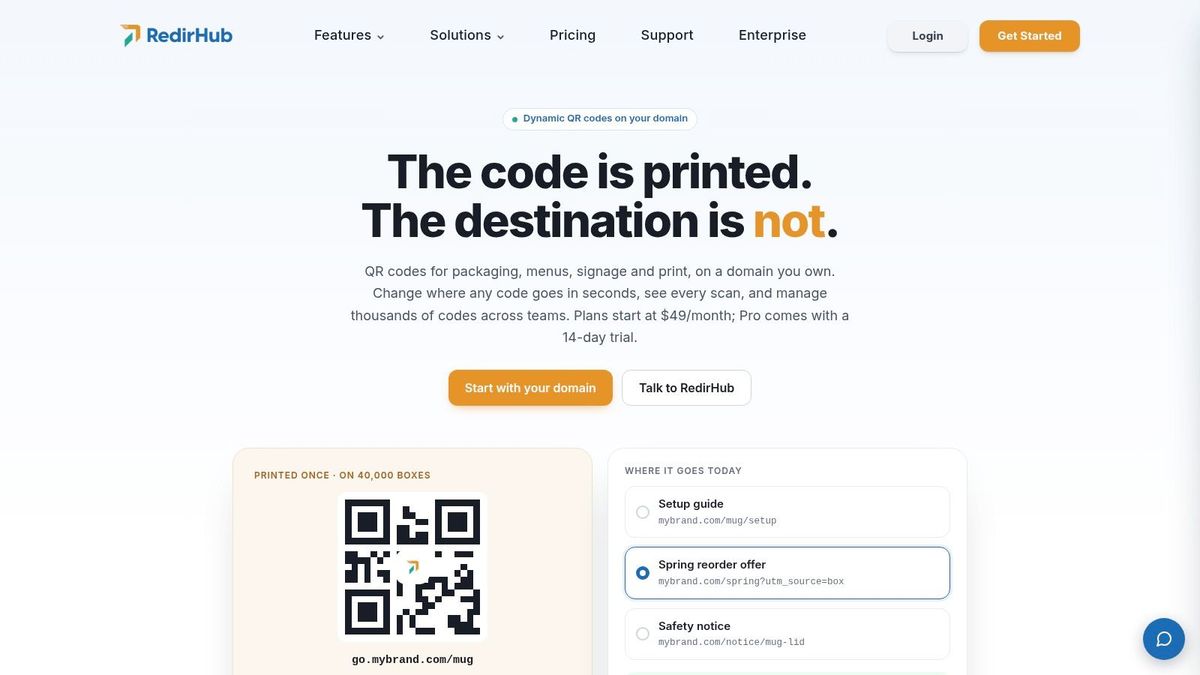
RedirHub's dynamic QR codes fit teams that treat printed codes as managed links rather than isolated design assets. You can change the destination after printing while retaining the same public URL on your own domain.
That matters when a campaign moves from a temporary landing page to an evergreen product page. The printed code doesn't change, and customers continue to see your branded address rather than a vendor's hostname. Our static versus dynamic QR code guide explains the underlying distinction.
What you keep control of#
Our Links page brings QR codes, branded links, domain redirects, and migration mappings into one workspace. Bulk actions support destination changes, QR downloads, and exports, with a preview before changes apply.
- Print production: Download PNG or SVG artwork, with workspace colors, a logo, and a readable link underneath.
- Domain ownership: Public URLs stay on your domain, and we don't insert ads or interstitial pages.
- Operational access: Team roles and authenticator-based two-factor authentication help separate editing access from shared credentials.
Core costs $49 per month, includes 25 domains and 2,500 managed links, and starts right away, without a trial. Pro costs $119 per month, includes 250 domains and 10,000 managed links, and comes with a 14-day free trial. Click and scan history goes back 90 days on Core and six months on Pro; Pro also shows who changed each link and what it was before, and adds a workspace audit log.
The trade-off is the paid starting point and managed-link capacity shared across several link types. When a plan ends, the links it no longer covers are paused, not deleted, and redirect again as soon as a plan covers them; the dashboard warns 14 days before a plan ends. Domain ownership is still not a promise of free ongoing hosting, so keep an export and a replacement redirect plan before retiring the service.
2. Uniqode#
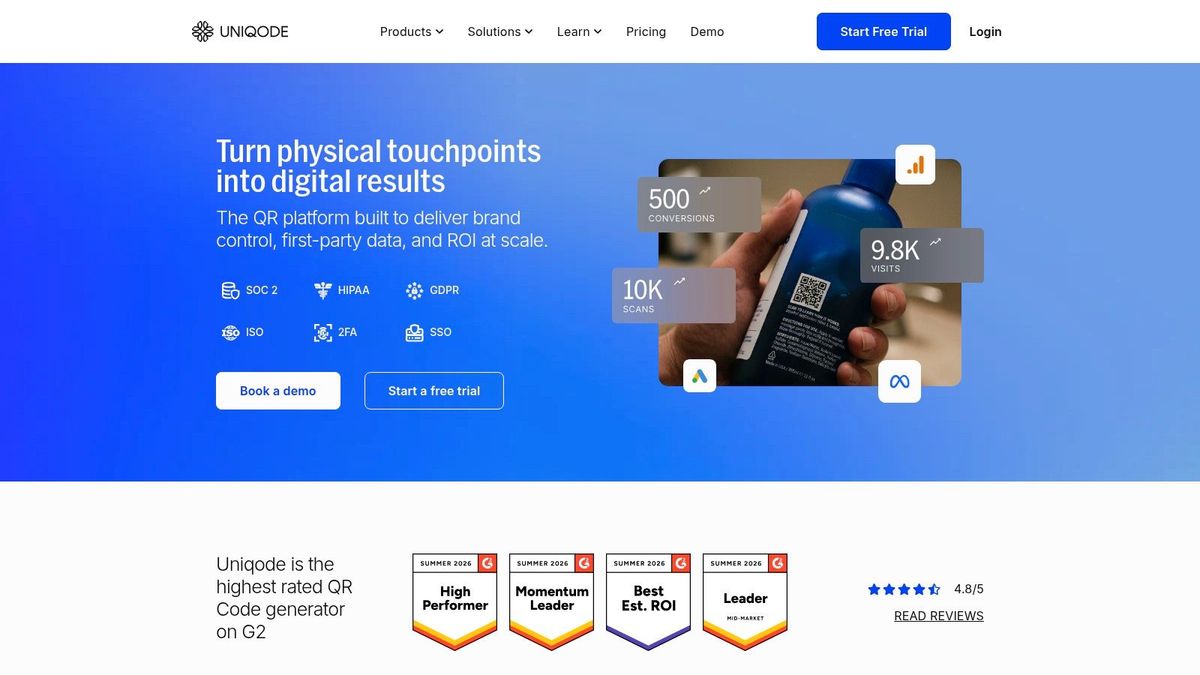
A marketing team running packaging, event signage, and regional campaigns may prefer Uniqode's campaign-oriented workspace. It combines editable destinations with scan analytics, branded designs, bulk creation, link pages, and integrations on eligible plans.
Uniqode's published plans[2] start at $9 per month for Essential with annual billing, with higher tiers and custom Business+ pricing. A trial is available, but trial access shouldn't be treated as a permanent home for production artwork.
Separate branding from domain control#
Uniqode lets you change a dynamic code's destination after creation. Custom domains sit on higher tiers, alongside collaboration features and longer analytics history, so the entry price isn't necessarily the price for a branded redirect setup.
For an agency, the practical question is whether each client's public URL belongs to that client. Logo customization alone won't answer it.
- Repointing: Suitable for updating campaign destinations without replacing distributed materials.
- Own-domain URLs: Available on higher tiers, not something to assume from the basic design editor.
- Plan changes: Active dynamic-code allowances, scan limits, seats, and analytics retention vary by plan.
Uniqode makes sense when campaign organization and integrations justify a tiered subscription. Its trade-off is that several operational requirements can push the purchase beyond the starting plan.
Before committing printed stock, record the allowed active-code count and establish what happens to excess codes after a downgrade. The available listing doesn't establish a universal cancellation-survival promise.
3. QR TIGER#
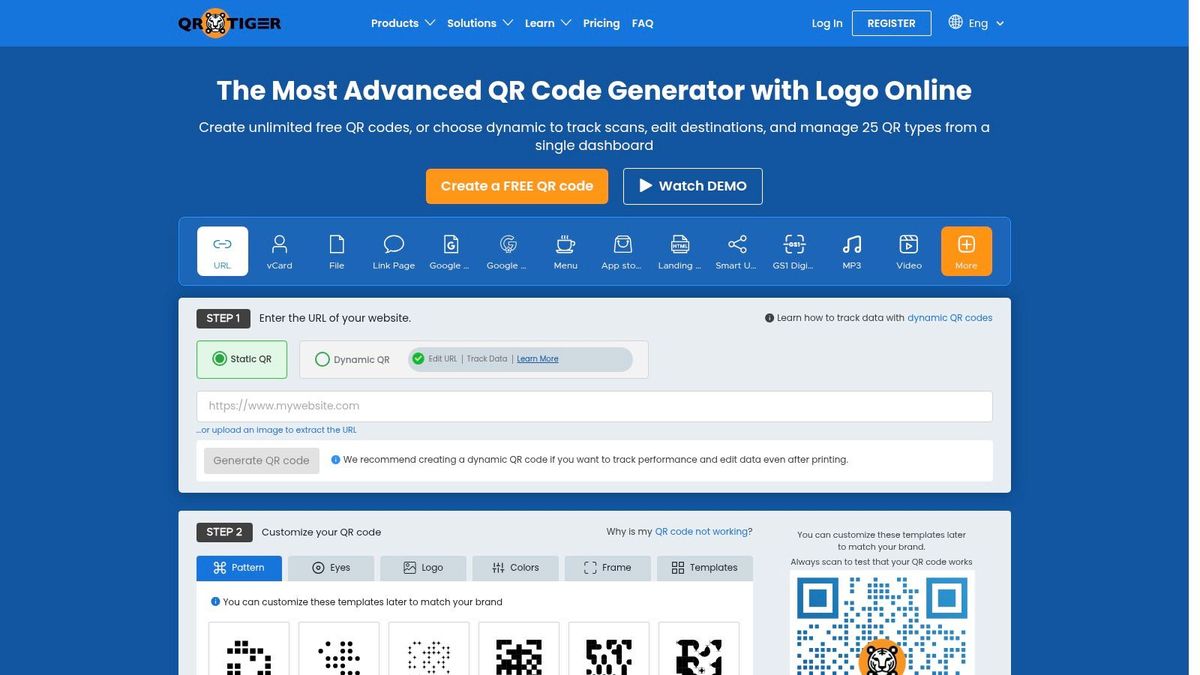
A poster is already printed, and its destination needs to change. QR TIGER supports editable destinations, so check what happens to dynamic codes if the subscription lapses before committing to a long-running campaign. A code that can be repointed while an account is active is only useful for printed materials if its redirect remains available.
QR TIGER's published annual-billing prices[3] list Regular at $7 per month, Advanced at $16, and Premium at $37. Free dynamic codes are limited to 500 scans per code, while paid plans include unlimited scans during the subscription period. The free tier can help with evaluation, but that scan cap matters when a code goes on widely distributed packaging.
QR TIGER also offers custom designs, analytics, integrations, and bulk workflows. Custom domains and advanced routing are available on eligible plans, so confirm the tier required to keep the public URL on your own domain. A branded design does not, by itself, establish domain control.
Where it fits#
QR TIGER may suit campaigns with varied feature needs and an account owner prepared to maintain the subscription throughout the printed code's useful life. Bulk creation, including CSV workflows on higher tiers, can help assign separate destinations to different products or locations.
The main trade-off is continuity. Before printing, confirm the provider's current terms for lapsed subscriptions and plan changes, then assign billing ownership, renewal reminders, and an escalation contact. Do not assume a paid code will keep resolving after the subscription ends.
Changing a destination is different from changing the printed design. You can redirect a distributed code to a new destination, but the colors and logo already on a poster cannot be replaced remotely.
4. Bitly#
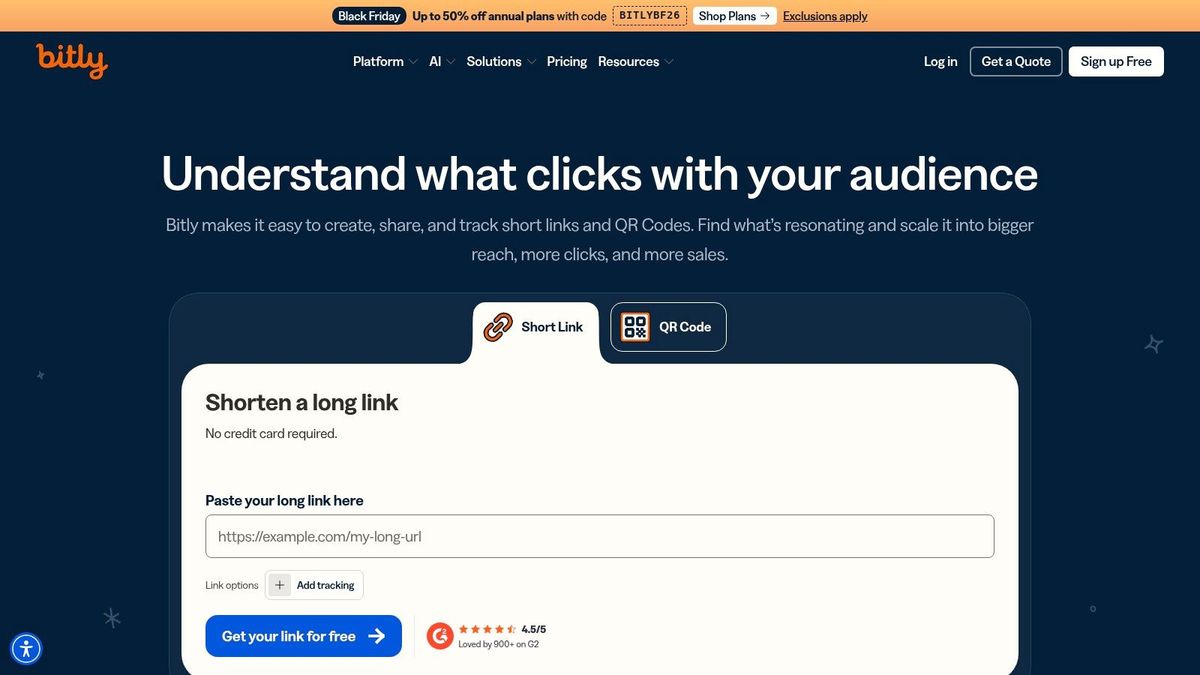
If your team already manages campaign links in Bitly, adding QR codes there can reduce duplicate reporting and account administration. QR scans and short-link activity live in the same platform, with UTM tools, branding options, bulk creation, and API access depending on the plan.
Bitly[4] offers free and paid plans, but the important distinction is monthly creation allowance versus the number of codes you need to maintain. Those aren't interchangeable measures.
Check the underlying link permissions#
For a printed QR code, the useful capability is changing the destination behind its associated link. Verify the redirect-editing allowance on your intended plan rather than assuming that QR creation automatically includes unrestricted repointing.
Custom domains require a paid plan. If the public URL must remain under your brand, choose that domain before generating the production artwork.
- Good fit: Teams already using Bitly for campaign links and shared reporting.
- Main constraint: Free creation is limited, and advanced branding and reporting require paid access.
- Continuity question: Establish what happens to saved redirects, editing permissions, and branded-domain access after a downgrade.
The RedirHub versus Bitly comparison is useful when deciding whether QR codes belong in a link-marketing workspace or a broader domain-and-redirect workflow.
Bitly's convenience is strongest when you're consolidating existing work. Don't add another subscription solely for familiar branding without checking the destination-editing terms that determine whether a printed campaign remains manageable.
5. Flowcode#
Flowcode makes an important distinction between a code continuing to scan and an account retaining editing and reporting access. That's more useful for long-lived print than a broad claim that codes never expire.
Flowcode's published offering[5] includes up to two codes on Free and lists Pro Plus at $25 per month billed annually; the provider says codes continue scanning with unlimited scans, including on the free plan. However, analytics allowances and editing access are separate considerations.
For campaigns, Flowcode combines editable codes, landing pages, and scan-and-click reporting. Larger plans add bulk creation, custom redirect domains, integrations, and smart routing.
Continuity isn't complete control#
A code that still opens its saved destination after a paid plan ends is valuable. It doesn't solve the next problem if you can no longer edit that destination when a product page moves.
- Repointing: Available through dynamic-code editing while your account has the necessary access.
- Own-domain URLs: Custom redirect domains belong to higher-tier capabilities.
- After a plan ends: Codes may continue scanning while access to editing and account details becomes limited.
Flowcode suits teams building a connected landing-page and physical-campaign experience. It's less straightforward if your sole requirement is a branded redirect you can manage indefinitely at minimal cost.
During evaluation, test both workflows: changing the destination and retrieving the account information needed for a future handover. Successful scanning alone doesn't demonstrate that the campaign remains maintainable.
6. Scanova#
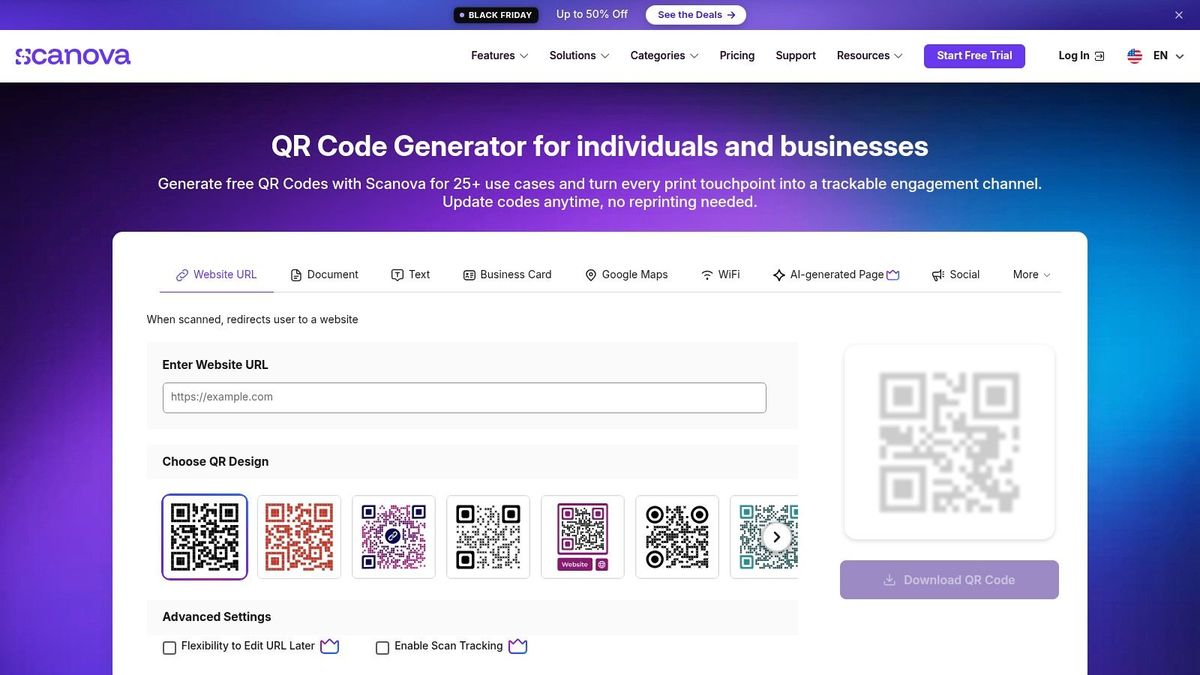
Say your packaging needs to open different pages depending on a customer's country or device. Scanova is relevant because its eligible plans support conditional redirection as well as ordinary destination editing.
Scanova's published plans[6] start at $5 per month for Basic with annual billing, offer a 14-day trial without a credit card, and list unlimited scans across plans; a separate one-time option for a single dynamic code is also available. The one-time option deserves attention when the campaign needs a simple, durable redirect rather than a growing library of codes.
Match the purchase to the routing job#
Scanova also offers landing-page formats, lead capture, analytics, and business controls. Custom domains, API access, bulk operations, and team capabilities sit on higher plans.
The low starting price therefore doesn't describe every own-domain deployment. Count the live codes you'll need and include domain control in the plan comparison.
Ordinary dynamic codes require an active subscription, except for that separate one-time offering. Review its specific scope rather than assuming it includes the same routing, domain, or collaboration features as higher subscriptions.
Scanova is a practical shortlist candidate for conditional campaigns and lead-generation experiences. For a straightforward printed menu, those capabilities may be unnecessary; prioritize the required destination edit, public hostname, and ongoing payment obligation instead.
7. QRCodeChimp#
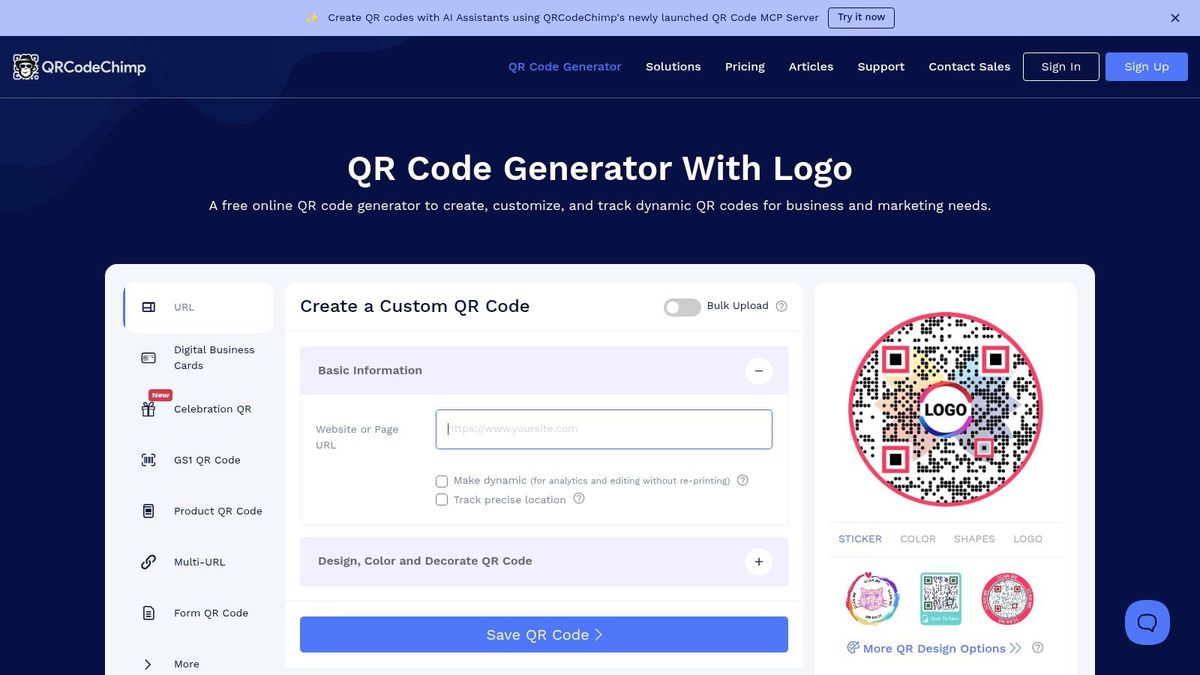
QRCodeChimp's free allowance can look comfortable until several campaigns share it. A busy event code and a quiet business-card code may draw from the same account-level scanning budget.
QRCodeChimp's published free plan[7] includes 10 dynamic codes and 1,000 scans per month, and the provider lists a 15-day refund guarantee for a first purchase. The refund guarantee isn't a substitute for testing downgrade behavior before committing to print.
The platform combines editable codes and analytics with digital business cards, forms, landing pages, and bulk workflows on eligible plans. That range suits teams managing several kinds of QR experiences rather than website redirects alone.
Watch the shared allowance#
- Destination changes: Dynamic codes support editing without replacing the printed symbol.
- Public-domain control: Higher-tier white labeling is relevant, but confirm that the chosen offering includes your own redirect hostname, not just visual branding.
- Downgrades: Codes beyond the free-plan allowance may be paused.
The central trade-off is code capacity plus scan capacity. Buying enough dynamic-code slots doesn't automatically mean the account has enough scanning allowance for a successful campaign.
For an agency, allocate account ownership and monitoring responsibilities before distributing client materials. Don't let a popular promotion consume capacity needed by permanent packaging or contact cards.
QRCodeChimp is useful for testing several business formats in one workspace. For long-lived print, its shared limits require deliberate monitoring rather than a set-and-forget assumption.
8. QRStuff#
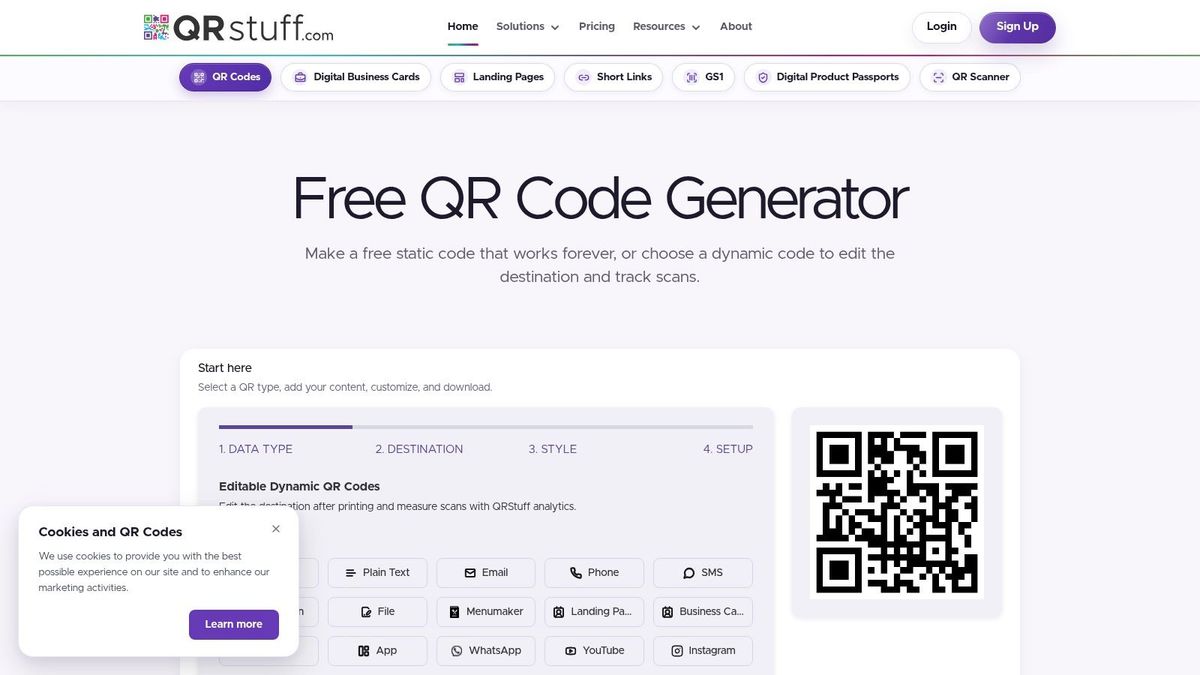
QRStuff offers varied QR content formats, but its free dynamic option shouldn't be confused with permanent hosting. According to QRStuff's plan details[8], free dynamic codes expire after 30 days.
That's a material restriction for menus, product inserts, or banners you intend to reuse. A free evaluation can demonstrate scanning and editing, but it doesn't establish continuity for distributed artwork.
Cancellation flexibility versus code continuity#
The listed plans include Free, Lite, Full, and Enterprise, with monthly and annual paid options and cancel-anytime messaging. Paid capabilities include editable content, analytics, batch processing, and business features, with API access and integrations on higher tiers.
Cancel anytime describes the billing arrangement, not necessarily what happens to live redirects. Ongoing use without expiry requires a paid tier, and the available details don't establish a universal post-cancellation survival policy.
- Best reason to shortlist: You need varied content types alongside dynamic updates.
- Domain question: Verify custom redirect-domain support for the exact plan; broad business features don't prove it.
- Production constraint: Don't send trial-generated artwork to print without establishing the paid path that keeps it active.
QRStuff can fit teams whose requirements extend beyond a simple website URL. Its free expiry makes it less suitable for casually creating a production code and deciding about subscription ownership later.
Create the production code under the organization's account, record its plan dependency, and retain the encoded address with the print files.
9. QR Planet#
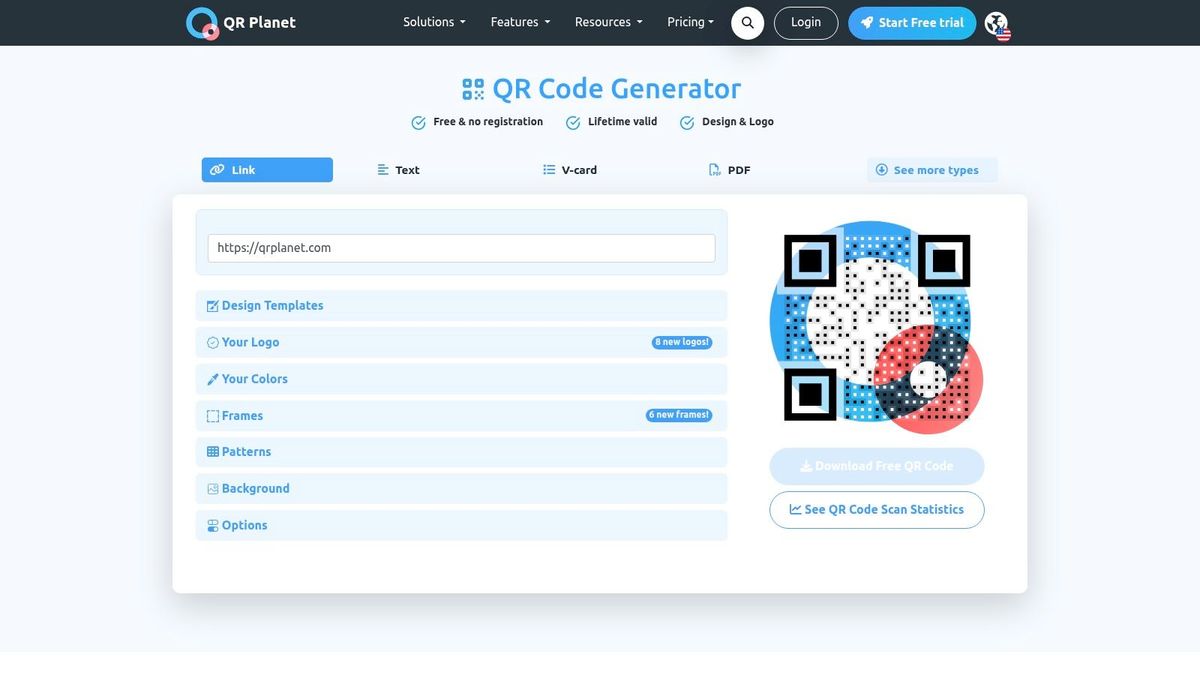
For agencies, QR Planet's white-label offering is more relevant than decorative customization. Its custom-domain option addresses the hostname customers encounter, while editable destinations handle the campaign changes behind it.
QR Planet's published terms[9] include a free tier, a 15-day paid-plan trial without a credit card, and plans listed with no scan limits; paid billing has a minimum three-month term, rather than a monthly option. That commitment matters for short event campaigns.
Beyond redirects, the platform supports landing pages, digital business cards, coupons, and lead generation. Paid plans add bulk generation and API access, while SVG and PDF exports support print workflows.
Establish whose domain appears#
The public domain shown to scanners varies by plan. Choose the white-label option when the requirement is a customer-controlled hostname, and verify the final encoded URL before approving the artwork.
- Editable destination: Supports repointing and tracking after creation.
- Custom domain: Included in the white-label offering.
- Continuity gap: No scan limits don't establish what happens after cancellation.
QR Planet is worth evaluating when an agency needs branded campaign infrastructure and print-friendly exports. SSO and dedicated infrastructure require a custom plan, so don't assume white labeling includes every enterprise control.
During the trial, export the artwork, change the destination, and document the domain setup. Also establish the downgrade outcome before placing the code on materials the client will continue distributing after your project ends.
10. QR Code Generator Pro#
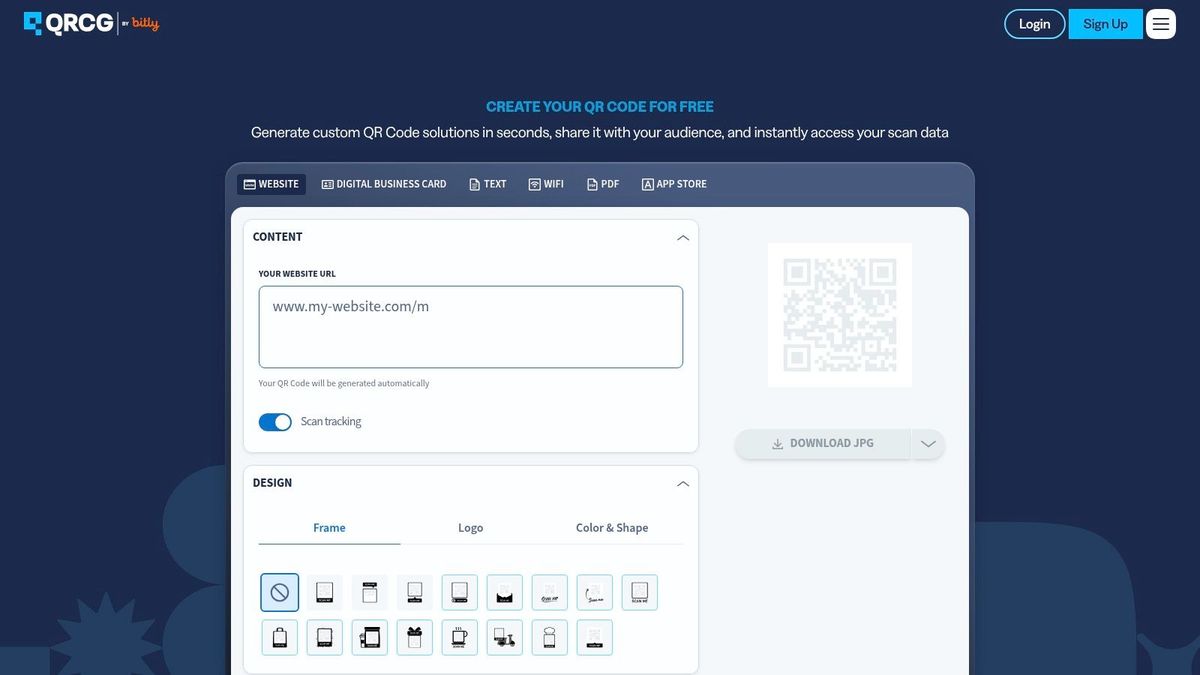
QR Code Generator Pro organizes its offering around dynamic-code volume and activity. That makes the entry-level plan easy to assess, provided you count permanent codes as well as current promotions.
QR Code Generator Pro's published pricing[10] starts at €8 per month for Starter with annual billing, includes a 14-day trial, and limits Starter to two dynamic codes and 10,000 scans. Advanced and Professional add bulk creation and API allowances, with annual billing in the published pricing.
Don't stop at the code count#
The service provides editable destinations, design customization, and scan analytics. Higher tiers support CSV-based bulk workflows and additional users, which matter when marketing creates campaigns but IT owns redirect continuity.
The available listing doesn't establish custom-domain entitlement or a definitive cancellation outcome. Treat both as unresolved purchase requirements, not implied features.
- Repointing: Dynamic destinations can be changed after creation.
- Own-domain URL: Verify explicit redirect-hostname support on the selected plan.
- Plan changes: Establish whether live codes continue resolving and whether you retain editing access.
The guide to QR code generators with tracking helps separate reporting requirements from the more basic obligation to keep the printed link useful.
This tool belongs on a shortlist when its code allowances and bulk workflow match the campaign. The trade-off is an annual commitment on the specified plans, plus the need to resolve continuity and domain-control questions before production.
Dynamic QR code generators#
| Item | Editable destination | Free option | Listed paid price | Custom domain |
|---|---|---|---|---|
| RedirHub | Yes | No free plan; Pro has a 14-day free trial, Core starts without one | From $49/month | Yes, on every plan |
| Uniqode | Yes | Trial available; no free tier stated | From $9/month, billed annually | Available on higher tiers |
| QR TIGER | Yes | Free tier; dynamic codes limited to 500 scans per code | $7, $16, or $37/month, billed annually | Available on eligible plans |
| Bitly | Yes | Free plan with limited QR creation | Not stated | Available on paid plans |
| Flowcode | Yes | Up to 2 codes | Pro Plus: $25/month, billed annually | Available on higher tiers |
| Scanova | Yes | 14-day trial; no free tier stated | From $5/month, billed annually | Available on higher tiers |
| QRCodeChimp | Yes | 10 dynamic codes and 1,000 scans per month | Not stated | Not stated |
| QRStuff | Yes | Free plan; dynamic codes expire after 30 days | Not stated | Not stated |
| QR Planet | Yes | Free tier | Not stated | Available with white-label plan |
| QR Code Generator Pro | Yes | 14-day trial; no free tier stated | From €8/month, billed annually | Not stated |
How fast a scan reaches the page#
Every scan of a dynamic code is a redirect: the phone opens the code's URL, and the service answers with the destination before the page starts loading. That answer is added to every scan, so the redirect service's speed matters as much as its editing features. Our redirect speed benchmark times redirects from Washington, D.C., Frankfurt and Tokyo every hour, over a fresh connection and without following the redirect (RedirHub redirect speed benchmark[11]). Median time to first byte for the link and QR services it measured, 16–23 November 2026:
| Service | Median time to first byte (mean of 3 locations) |
|---|---|
| RedirHub | 16 ms |
| Dub | 34 ms |
| Short.io | 59 ms |
| TinyURL | 80 ms |
| Bitly | 116 ms |
| Rebrandly | 269 ms |
General CDNs were faster still: Fastly and Amazon CloudFront measured 12 ms over the same week. Of the ten tools above, the benchmark covers RedirHub and Bitly; for the others, time the code's redirect from a phone on mobile data before you approve the print run.
Pick the Code You Can Still Repoint Two Years From Now#
Choose according to the printed life of the code, not the first month of use. A disposable event handout and a product label need different subscription commitments, even when both open an ordinary landing page.
Confirm the same requirements before paying: destination editing after printing, a public URL on a domain you control, and explicit behavior after cancellation or downgrade. When a listing doesn't answer one of those questions, don't fill the gap with an assumption.
Own the address and the recovery process#
Domain ownership creates options, but it isn't automatic portability. To move providers without reprinting, you must reproduce the exact public hostname and path, restore HTTPS, and recreate the redirect rules.
Keep an export of active addresses and destinations outside the QR platform. Give a named person responsibility for domain renewal, subscription billing, access recovery, and redirect testing after site migrations.
Security belongs in that handover too. Unit 42's analysis of QR codes as an attack vector[12] explains why QR destinations deserve scrutiny; an editable redirect is also a control point that an attacker could misuse. Enable two-factor authentication, restrict editing access, and retain change history where available.
Test the physical experience#
Don't approve a code solely because it scans from a laptop screen. Test the exported artwork at its final size, on the intended material, under representative lighting, using ordinary phone cameras.
DENSO WAVE's QR standards guidance[13] explains the error-correction trade-off: greater resilience can increase symbol density. Keep the encoded address short, preserve strong contrast and clear surrounding space, and avoid letting logo treatment dominate the symbol.
Provide another route to the destination. ScanKit's accessibility guidance[14] recommends a typed URL beside printed codes, clear instructions, and clickable alternatives in digital contexts. The landing page also needs to work for keyboard and screen-reader users.
Finally, separate scan limits, analytics limits, active-code allowances, and creation allowances in your purchase decision. They govern different things. A code that survives a redesign, a staff handover, and a plan change is worth more than one with a longer feature list.
Repoint printed codes on your own domain
Create dynamic QR codes on a domain you control, download them ready for print, and change where they go after printing, with scans in the same analytics as your links.
Create dynamic QR codesSources
- [1]Custom Printing Options | High-Quality Branding for Merchandise
- [2]QR Code Generator for Businesses | Create & Track | Uniqode
- [3]QR Code Generator | Create Free QR Codes With Logo | QR Tiger
- [4]Bitly | Short URLs, QR Codes, and More
- [5]Enterprise QR Code Generator & Platform | Flowcode
- [6]QR Code Generator – Create Free QR Codes Online | Scanova
- [7]QR Code Generator with Logo | Create Free Custom QR Codes Online | QRCodeChimp
- [8]Free QR Code Generator | QRStuff
- [9]Free QR Code Generator | Create QR Codes | QR Planet
- [10]QR Code Generator | Create Your Free QR Codes | QR Code Generator Pro
- [11]RedirHub redirect speed benchmark, 16–23 November 2026
- [12]Phishing on the Edge of the Web and Mobile Using QR Codes | Unit 42
- [13]QR Code Standardization | QRcode.com | DENSO WAVE
- [14]Are QR codes accessible? Designing QR campaigns that work for everyone | ScanKit
Frequently asked questions
The best one for printed material lets you change a code's destination after printing, keeps its public URL on a domain you control, and states what happens to live codes when you downgrade or cancel. Compare those three points before templates or design options, because a printed code can stay in circulation for years.
It depends on the provider. Some keep codes scanning while editing and analytics stop, some pause codes beyond the plan's allowance, and some free dynamic codes expire after 30 days. On RedirHub, links a plan no longer covers are paused, not deleted, and redirect again as soon as a plan covers them.
Many generators offer custom domains only on higher tiers or white-label plans, so check the exact plan before you create production artwork. Choose the domain first, because the URL encoded in a printed code cannot change later.
Several tools have a free tier with limits, such as 500 scans per code on QR TIGER's free dynamic codes, up to two codes on Flowcode, or 10 dynamic codes and 1,000 scans a month on QRCodeChimp. RedirHub has no free plan: Core starts at $49 a month, and Pro has a 14-day free trial.
Yes. Every scan of a dynamic code goes through the provider's redirect before the destination loads. In RedirHub's redirect speed benchmark for 16–23 November 2026, the median time to first byte was 16 ms for RedirHub, 116 ms for Bitly and 269 ms for Rebrandly.

Leo Astarothman is the Brand & Content Lead at RedirHub, where he shapes the company's visual identity, educational content, product experiences, and marketing strategies. He also specializes in system design. Simplifying complex redirect infrastructure into practical resources, product experiences, and campaigns that help businesses understand and adopt modern redirect management.
Related Articles
View All Articles