WordPress Redirect Plugin: 7 Options Compared for 2026

Key takeaways
A WordPress redirect plugin is enough when the rules belong to one site: Redirection and Safe Redirect Manager are free, and Rank Math, Yoast, AIOSEO and SEOPress add redirects to an SEO suite. Plugin rules live in that site's database, so export them before any rebuild. When links span several websites, printed QR codes or domain migrations, keep the rules outside WordPress, for example with RedirHub's Integration Mode.
Hypothetical scenario: You relaunch your WordPress store with cleaner URLs and a new product structure. A set of old product pages never makes it into the migration map. Organic traffic drops, and someone finally checks the missing URLs and finds visitors landing on 404 pages instead of products.
A WordPress redirect plugin solves the immediate problem: match each old address to its relevant replacement and keep visitors moving. The harder question is whether those rules will survive your next rebuild, hosting change, or handover to another agency.
The seven options below range from dedicated plugins to SEO-suite modules and an external redirect workspace. Each has a sensible use case, but they differ in where you manage rules, how you export them, and what remains when WordPress changes.
Use 301 for permanent moves and 302 while a move is temporary or being tested. For migrations, Google's redirect guidance[1] recommends permanent server-side redirects and sending visitors directly to the final destination rather than through chains.
1. Url Redirect Service#
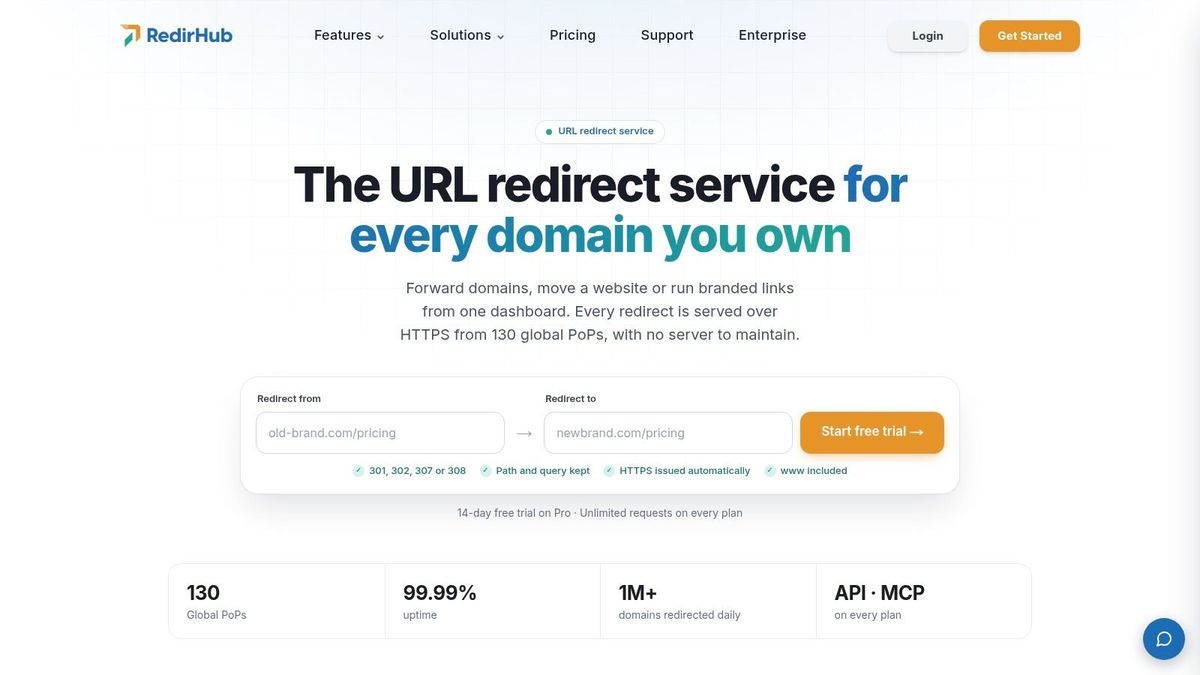
RedirHub's URL Redirect Service isn't a conventional WordPress plugin. It's a separate workspace for domain redirects, branded short links, dynamic QR codes, and website-migration mappings, with public links staying on your own domains.
That distinction matters when an agency manages several client websites or a marketing team owns links that must outlast a website redesign. You manage destinations independently of the WordPress database instead of treating every redirect as part of one installation.
There are two connection approaches. A DNS connection lets RedirHub serve redirects and manage automatic HTTPS; Integration Mode keeps the website's existing DNS and hosting while the website serves centrally managed rules.
Where the separate workspace helps#
Migration mappings can be imported through CSV, with path and query forwarding where needed. Dynamic QR codes let you update a destination after materials have been printed, while click and scan analytics help teams review how those links are used.
- Brand control: Public URLs remain on your domain, without ads or interstitial pages added by RedirHub.
- Automation: A Management API, Terraform provider, and MCP server support repeatable changes rather than manual editing across dashboards.
- Connection flexibility: Choose between externally served redirects and rules served by your existing website.
- Architectural trade-off: Integration Mode still requires working integration code on the website. An independent rule inventory doesn't eliminate deployment responsibility.
According to RedirHub's product facts, Core starts at $49 per month without a free trial, while Pro offers a 14-day trial. Custom HTML pages, frames, password-protected links, and wildcard domains require the DNS connection rather than Integration Mode.
Best fit: Teams whose redirect ownership extends beyond a single WordPress installation. For occasional slug changes on a small website, a free local plugin is usually a simpler commitment.
2. Redirection#
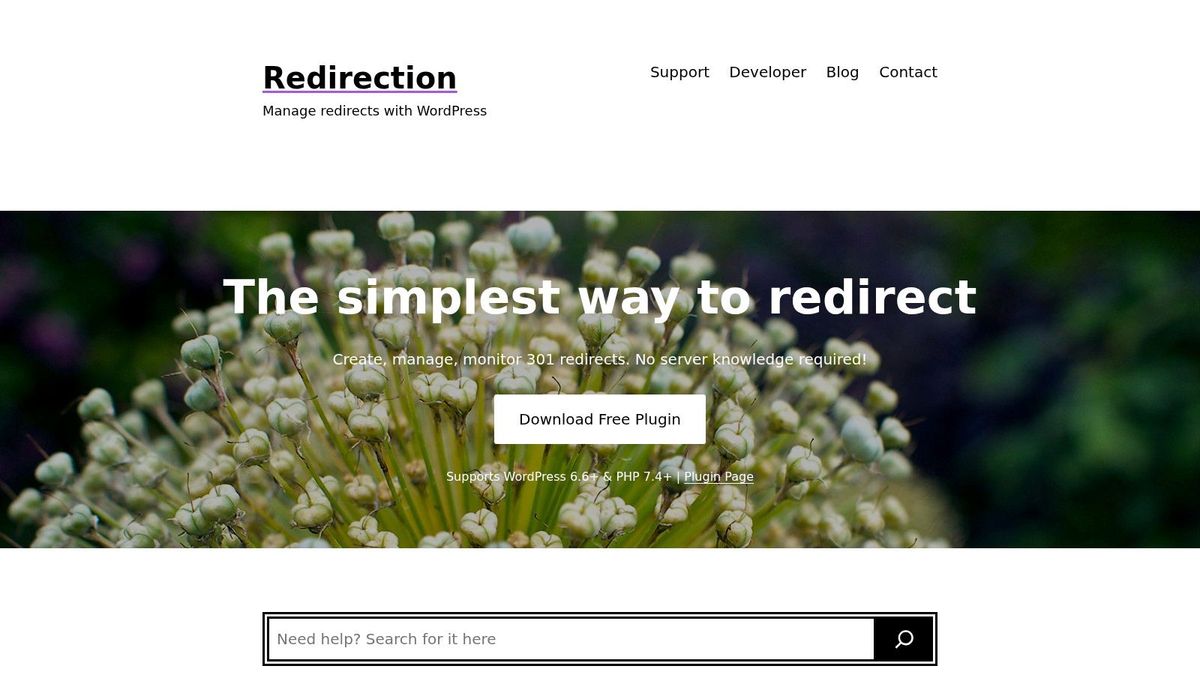
Redirection[2] is a focused choice when you want redirect management without adopting a broader SEO suite. It combines rule creation with broken-URL monitoring, so you can investigate missing pages and create relevant replacements in the same workflow.
Its WordPress plugin documentation[3] describes regular-expression matching, query-parameter matching, automatic redirects after permalink changes, and import/export options. Redirects run through WordPress by default, with an option to write rules to Apache's .htaccess configuration.
That makes it useful for both straightforward URL replacements and more involved migration patterns. The trade-off is configuration complexity: query handling, conditions, and regex rules need deliberate testing rather than guesswork.
Where the rules live#
The management layer belongs to the individual WordPress installation. Moving the complete database and plugin setup is different from rebuilding the website and importing only its posts and pages.
- Strength: Free, dedicated functionality without paying for unrelated SEO features.
- Flexibility: Conditional redirects, query forwarding, import/export workflows, and WP-CLI suit more technical maintenance.
- Limit: There isn't a standalone multi-domain workspace for unrelated websites outside that installation.
Before rebuilding, export the rules and record whether WordPress or Apache currently executes them. Otherwise, a developer can import the visible content successfully while leaving redirect behavior behind.
My recommendation: Start with exact-match rules unless a repeatable URL pattern requires regex. A narrow rule is easier to review, and it's less likely to catch a working page accidentally.
3. Rank Math#
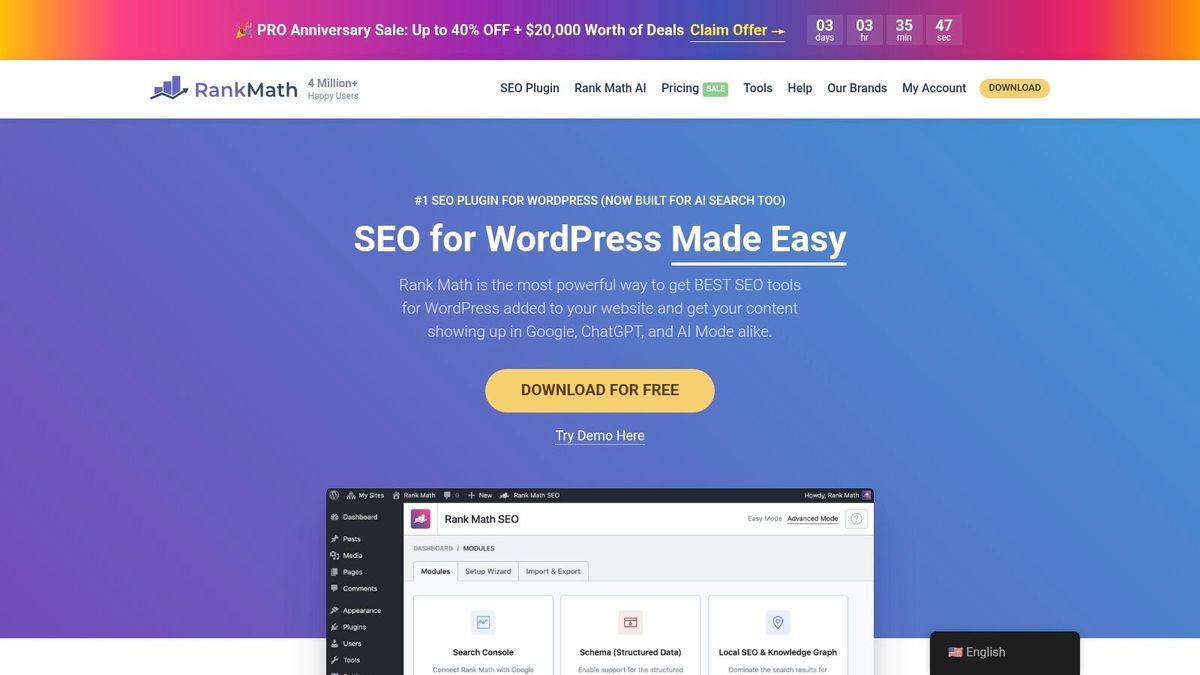
Already using Rank Math[4] for sitemaps, schema, and on-page controls? Its built-in redirect manager may be the least disruptive option because your team can manage URL changes inside its existing SEO workflow.
The free plugin includes the redirection module, but you must switch to Advanced mode and enable it. Rules can be created from the redirects screen, the missing-page monitor, or the content editor, which helps connect editorial changes with redirect maintenance.
The practical advantage isn't just having another settings screen. An editor who notices a broken URL can investigate its intended replacement while working on the content, rather than passing the task between unrelated tools.
- Good fit: Teams that already want Rank Math's broader SEO features.
- Useful migration support: Imports from competing redirect plugins can reduce manual recreation.
- Trade-off: It's a full SEO suite, not a small redirect-only utility, and paid SEO licenses add their own renewal considerations.
For missing pages, first establish whether the content moved, disappeared, or was linked incorrectly. This guide to fixing a broken link helps separate those cases; redirecting everything to the homepage isn't a sound substitute for matching intent.
Rebuild implication: Keep a separate export of the redirect inventory before replacing Rank Math or rebuilding WordPress. Teams evaluating the broader software decision can also compare SEO software with Rankozo[5], but redirect portability deserves its own acceptance test.
4. Yoast SEO Premium#
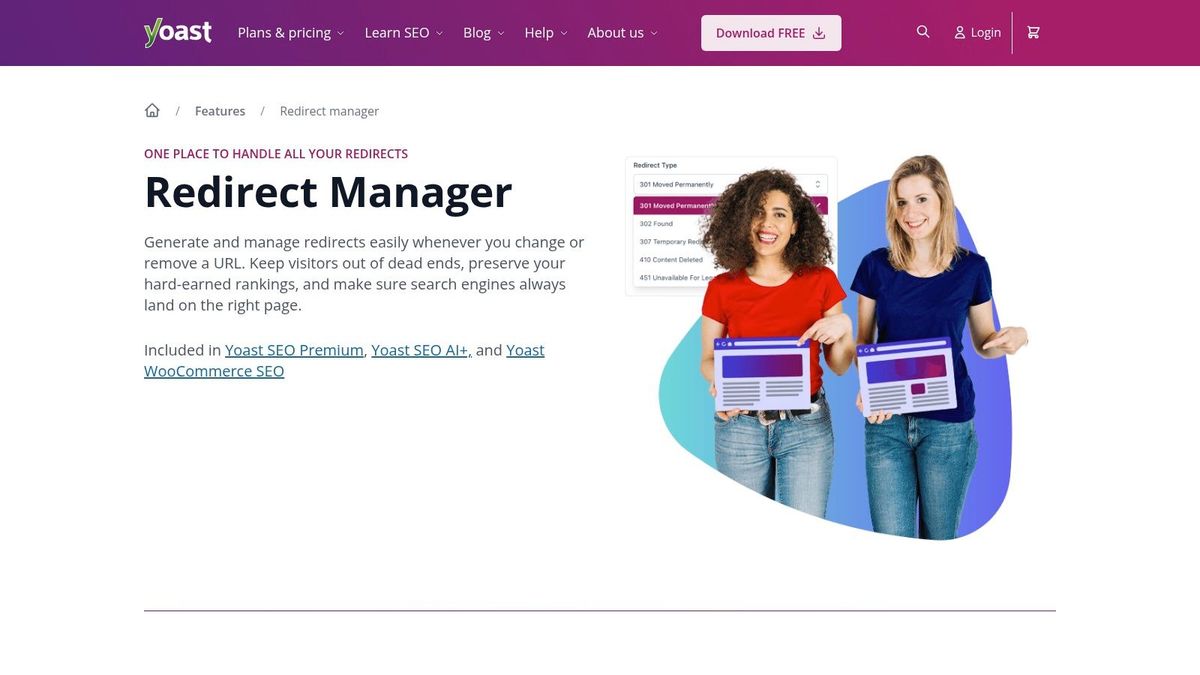
Editorial teams often create redirect work while doing something else: changing a slug, merging overlapping articles, or deleting an outdated landing page. Yoast's Redirect Manager[6] addresses that workflow by prompting users when content moves or is removed.
The manager belongs to Yoast's paid SEO products, not the free plugin. If your team already uses Premium, that integration can be more convenient than introducing another redirect interface.
Yoast supports regular-expression rules and CSV import/export. Depending on the hosting setup, it can also write redirect rules for Apache or NGINX, although those server configurations aren't interchangeable.
Theme independence isn't platform independence#
Yoast keeps redirect management associated with the plugin rather than the active theme. That helps when you redesign the site by changing themes, but it doesn't mean the rules will automatically survive a clean WordPress installation or a move to another platform.
- Editorial advantage: Prompts make redirect decisions part of routine content maintenance.
- Migration advantage: CSV workflows support reviewing and transferring mappings.
- Operational limit: Server-level handling depends on the host, permissions, and configuration.
- Cost boundary: The free Yoast plugin alone doesn't supply the Redirect Manager.
Choose the response based on what happened to the content, not merely because a prompt appeared. The distinctions between redirect types and their SEO effects matter when a temporary campaign change could otherwise become a permanent mapping.
Best fit: A content-heavy website already committed to Yoast's paid workflow. Before changing hosts, document both the stored mappings and the server configuration that serves them.
5. All in One SEO (AIOSEO)#

A migration needs more than a form for entering an old URL and a destination. You also need a way to import mappings, inspect misses after launch, and distinguish planned changes from unexpected requests.
AIOSEO's Redirection Manager[7] brings those tasks into its broader SEO suite. It requires AIOSEO Pro; installing the free plugin alone doesn't provide the manager.
Its features include manual redirects, automatic handling for changed URLs, redirect logs, missing-page tracking, CSV import, scheduled redirects, and full-site redirects. Some server redirect and domain or site-alias capabilities depend on the selected plan.
- Migration use: Import reviewed mappings instead of recreating each entry manually.
- Ongoing maintenance: Use logs to investigate requests that weren't anticipated before launch.
- Scheduling: Coordinate temporary changes with campaign launches and content transitions.
- Trade-off: Advanced functionality can require a higher plan, so evaluate the needed redirect features separately from the broader SEO package.
Database storage needs an export plan#
AIOSEO stores redirect rules in the WordPress database rather than the theme. A theme replacement therefore isn't the same risk as replacing the database, rebuilding from scratch, or removing the plugin.
Keep the original migration mapping outside WordPress and reconcile it with subsequent changes. That gives the next developer an intelligible inventory rather than forcing them to infer historical decisions from logs.
Best fit: Site owners already using AIOSEO's paid SEO tools who want migration and maintenance controls in that environment. It's harder to justify a broader subscription if a small set of permanent mappings is your only requirement.
6. SEOPress PRO#
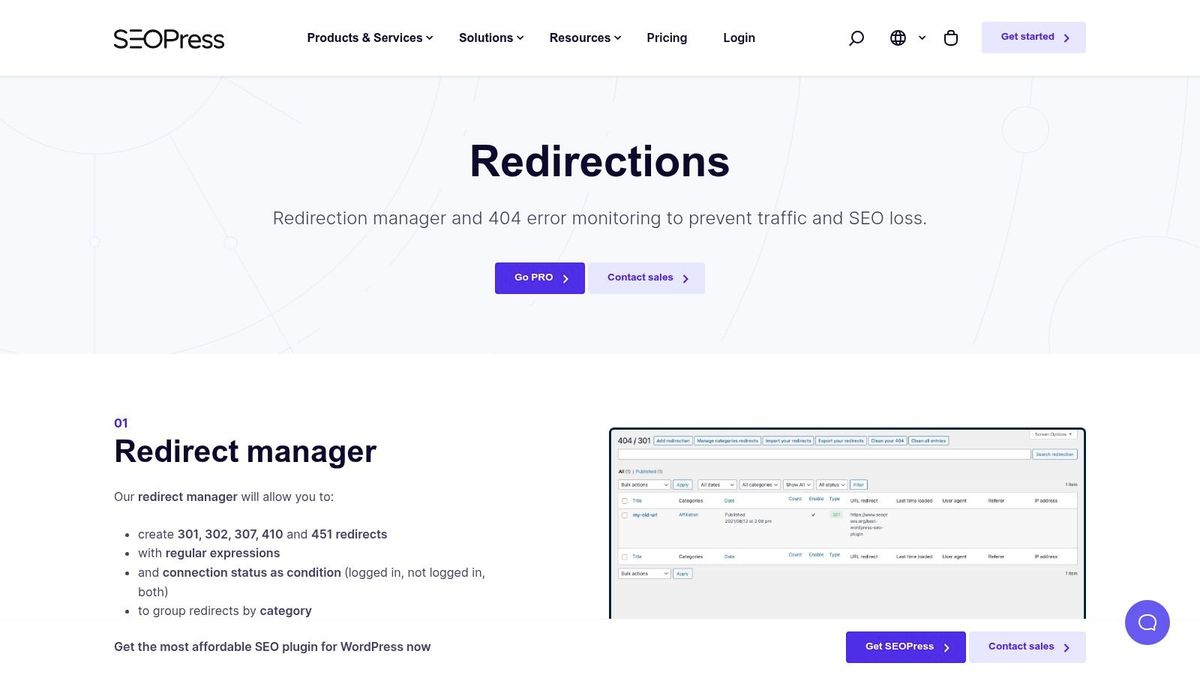
For an agency, licensing and client-facing administration can matter as much as the rule editor. SEOPress PRO[8] combines redirect controls with white-label features and multi-site licensing options, making it worth considering when you standardize a client maintenance stack.
The redirect manager requires the paid PRO component alongside the free SEOPress plugin. Its tools include regular expressions, redirect categories, import/export workflows, and missing-page monitoring.
A useful distinction: Its response options include redirects as well as responses for content that should no longer be available. Don't treat every supported status as a forwarding instruction or redirect deleted material to an irrelevant destination merely to remove an error from a report.
Licensing doesn't centralize the rules#
An agency-friendly license can simplify procurement, but it doesn't turn separate WordPress installations into an independent multi-domain rule inventory. You still need to know which website owns each mapping and how that installation will be backed up.
- Strength: Regex, categories, and import/export options suit structured redirect maintenance.
- Agency appeal: White-labeling and unlimited-site licensing can fit a standardized client setup.
- Dependency: Both the base plugin and PRO component must remain part of the supported configuration.
- Limit: A full SEO plugin may be unnecessary when redirect management is the only job.
Before a handover, test that exported rules can be recreated in the destination environment. An export file is useful only if the next system interprets its matching, destinations, and response behavior correctly.
7. Safe Redirect Manager#
Safe Redirect Manager[9] takes a deliberately lean approach. Developed by 10up, it stores redirect rules as WordPress custom post types and exposes actions and filters for developers who need to extend its behavior.
Its documentation specifies a default maximum of 1,000 redirects, adjustable through a filter. That's a configuration boundary to account for before importing a migration inventory, not a reason to assume the plugin can't support a larger implementation.
The plugin supports regex and wildcard matching with replacement values, configurable response codes, and caching that clears when rules change. It doesn't emphasize detailed analytics or extensive missing-page investigation.
Simple storage, explicit responsibility#
Custom-post-type storage can make rules easier to include in a deliberate content migration. It still requires the person performing that migration to include the relevant records and preserve the plugin behavior that interprets them.
- Strength: A smaller feature set suits developers who want focused redirect handling.
- Extensibility: Hooks and filters support project-specific behavior.
- Trade-off: Regex and custom filters assume technical comfort.
- Visibility limit: Plan another way to investigate broken requests if detailed logging is important.
For a simple permanent mapping, Simple 301 Redirects is another focused option to consider, but don't assume its settings will transfer automatically into a different manager. Export and inspect mappings before replacing any redirect plugin.
If you're deciding between plugin execution and server configuration, review the available manual methods for redirecting a URL in WordPress. The important decision is who will maintain the rules after launch, not which method requires the fewest clicks today.
How the redirect plugins and RedirHub differ on free access, fit and where rules are stored#
| Item | Free option | Best for | Where rules live |
|---|---|---|---|
| Url Redirect Service | No free plan; Core starts at $49/month | Branded domain redirects, QR codes, and migration mappings | RedirHub network or synced to your existing site |
| Redirection | Yes; core features are free | Dedicated redirect management and broken-URL tools | WordPress |
| Rank Math | Yes; redirect module included, but must be enabled in Advanced mode | Redirects alongside broader SEO tools | WordPress |
| Yoast SEO Premium | No; Redirect Manager requires a paid product | Editorial teams that frequently move or delete content | Yoast plugin or server configuration |
| All in One SEO (AIOSEO) | No; Redirection Manager requires Pro | Redirects and migrations alongside SEO tools | WordPress database or server, depending on features |
| SEOPress PRO | No; redirect manager requires PRO | Agencies and developers needing flexible rules and white-labeling | WordPress, with .htaccess workflows available |
| Safe Redirect Manager | Yes; free plugin | Simple, developer-friendly redirect management | WordPress custom post types |
Deciding Where Your Redirects Should Live#
For one WordPress site with occasional redirects, Redirection or Safe Redirect Manager is usually enough. If your team already maintains an SEO suite, its integrated redirect module may be the simplest path, provided the required features are included in your license.
The common boundary is site-level ownership. Plugin-managed rules usually live in that website's database, without an independent cross-site or multi-domain view; analytics focus on that installation, and rules can be lost during a rebuild if nobody exports them. Server-written rules are an important exception to database-only execution, but they introduce configuration that must also move.
- Choose a plugin when redirects belong to one website and its maintenance team.
- Choose an integrated module when editors already work in that SEO suite.
- Choose an external rule workspace when links span websites, campaigns, printed QR codes, or domain migrations.
RedirHub's Integration Mode, launched November 2026, addresses that last case through the architecture described in its Integration Mode announcement. WordPress keeps its DNS and hosting and serves the redirects, short links, and QR-code destinations managed outside the installation.
RedirHub supplies a tested prompt so an AI coding agent can write a small single-file integration. The site fetches one plain-text rules file every 60 seconds, allowing rule edits without redeployment. Specific rules run before WordPress pages; a domain-wide catch-all answers only when WordPress returns a missing-page response.
What the speed benchmark shows about server-level redirects#
In RedirHub's redirect speed benchmark, 31 October to 7 November 2026[10], redirects on RedirHub's own network (domains connected through DNS) answered with a median time to first byte of 15 ms, averaged over Washington, D.C., Frankfurt and Tokyo. URLs served by Apache measured 457 ms and URLs served by nginx 336 ms on the same method. The benchmark does not isolate WordPress or any plugin, and sites in Integration Mode serve their own redirects, so read it as a comparison of where a redirect is answered, not a plugin ranking.
Preserve control as well as portability#
The integration fails open, reports visits for analytics, and can report the site's own missing-page responses. It's available on every plan, with up to 50,000 rules per domain, while custom HTML pages, frames, password-protected links, and wildcard domains still require a DNS connection.
Independent storage doesn't remove security responsibilities. Patchstack's State of WordPress Security report[11] documents redirect-related validation and authorization failures, making destination controls, protected exports, least-privilege access, and an emergency disable procedure sensible selection criteria.
Before your next rebuild, assign an owner to the redirect inventory, export it, and test old URLs against their intended destinations. Your links are yours.
RedirHub brings domain redirects, branded short links, dynamic QR codes, and migration mappings into one workspace on your own domains. Visit RedirHub to choose a DNS connection or Integration Mode and keep your redirect inventory independent of your next WordPress rebuild.
Keep your redirects outside your next rebuild
Manage domain redirects, branded short links, QR codes and migration mappings in one workspace on your own domains, and choose a DNS connection or Integration Mode for WordPress.
See the URL Redirect ServiceSources
- [1]Redirects and Google Search | Google Search Central
- [2]Redirection – Manage redirects with WordPress
- [3]Redirection – WordPress plugin | WordPress.org
- [4]Rank Math - Best Free WordPress SEO Tools in 2026
- [5]10 Best SEO Tools of 2026 | Rankozo
- [6]Redirect manager - Yoast SEO Features
- [7]Easily Manage WordPress Redirects With Redirection Manager
- [8]SEOPress 301 redirects - Plugin to manage page redirections in WordPress
- [9]Safe Redirect Manager – WordPress plugin | WordPress.org
- [10]RedirHub redirect speed benchmark, 31 October to 7 November 2026
- [11]State of WordPress Security 2025
Frequently asked questions
No, but a plugin is the usual route. Redirects can also be written as server rules, which depend on your host and live outside WordPress, so they need their own export before a rebuild.
Redirection and Safe Redirect Manager are free, and Rank Math includes a redirection module once you enable Advanced mode. Redirection adds broken-URL monitoring and regex rules, while Safe Redirect Manager is leaner and defaults to a maximum of 1,000 redirects.
No. Yoast's Redirect Manager belongs to its paid products, AIOSEO's Redirection Manager requires AIOSEO Pro, and SEOPress's redirect manager requires the PRO component. Check the plan before choosing a suite only for its redirects.
Plugin rules usually live in the site's database, so a rebuild that imports only posts and pages can leave them behind. Export the redirect inventory before you rebuild and test old URLs against their intended destinations afterwards.
When links span several websites, campaigns, printed QR codes or domain migrations, an external rule workspace keeps the inventory independent of any one installation. RedirHub's Integration Mode lets WordPress keep its DNS and hosting while serving rules managed in RedirHub.

Leo Astarothman is the Brand & Content Lead at RedirHub, where he shapes the company's visual identity, educational content, product experiences, and marketing strategies. He also specializes in system design. Simplifying complex redirect infrastructure into practical resources, product experiences, and campaigns that help businesses understand and adopt modern redirect management.
Related Articles
View All Articles