
Back to ChangelogNovember 21, 2026
Add a domain before its first link
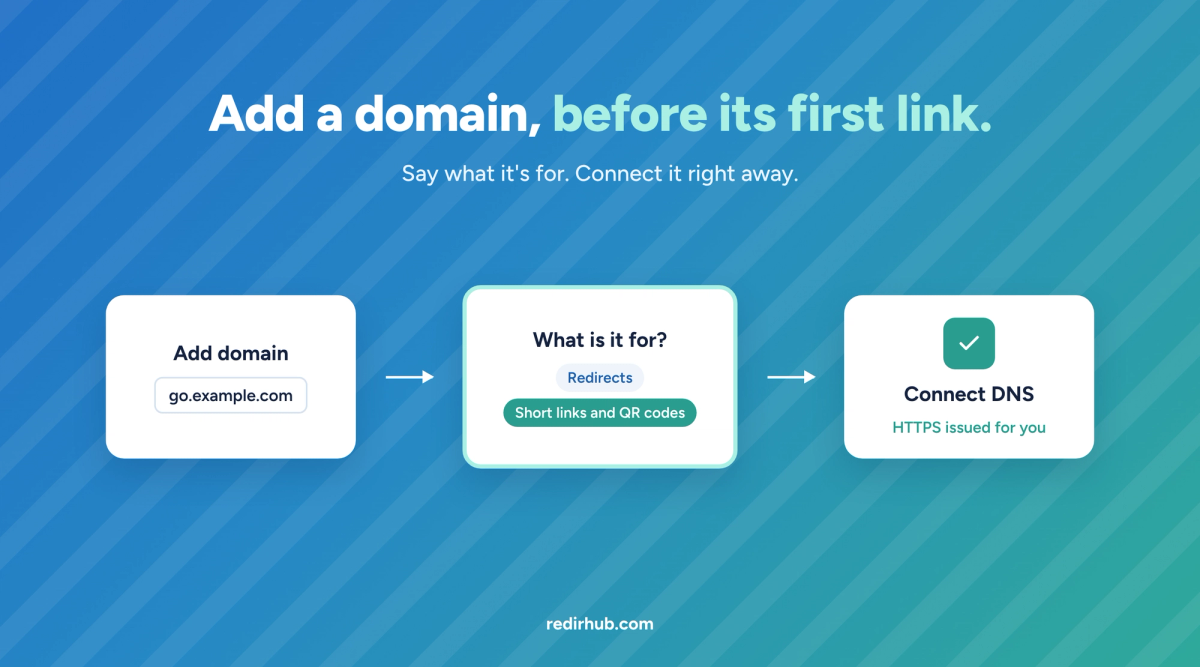
Until now, a domain appeared on the Hostnames page only after you created a link on it. Now you can add the domain first, connect its DNS, and create its links whenever you are ready.
How it works#
- Add domain on the Hostnames page. Editors and above see the button; an empty Hostnames page offers it too.
- Paste a domain or a full address. https://go.example.com/sale becomes go.example.com.
- Say what it is for. Redirects, or short links and QR codes. With the Self-Hosted Edge add-on, HTTPS for your own site is a third choice.
- Connect straight away. Connect DNS, or the setup for your own servers, opens as soon as the domain is added.
How domains count#
- A domain now counts toward your plan's domains from the moment it is added, with or without links, until you remove it. Before, only domains serving at least one link counted.
- When every domain on your plan is in use, adding another says so and adds nothing. Remove a domain you no longer need, or add domain capacity.
- We checked every paying workspace before the change: none goes over its plan because of it.