
Your account’s security settings let you add a second step at sign-in, see which sign-in methods you use and log out browsers you no longer use. They are available on every plan. Open your account settings and click Security.
Step 1: Turn on two-factor authentication#
Two-factor authentication asks for a 6-digit code from your phone each time you sign in. It works with any authenticator app, such as 1Password, Google Authenticator or Authy.
- Click Set up two-factor.
- Scan the QR code with your authenticator app, or type the setup key into the app.
- Enter the 6-digit code from the app to confirm it is set up correctly.
- Save your recovery codes somewhere safe. They are your way back in if you lose your phone.
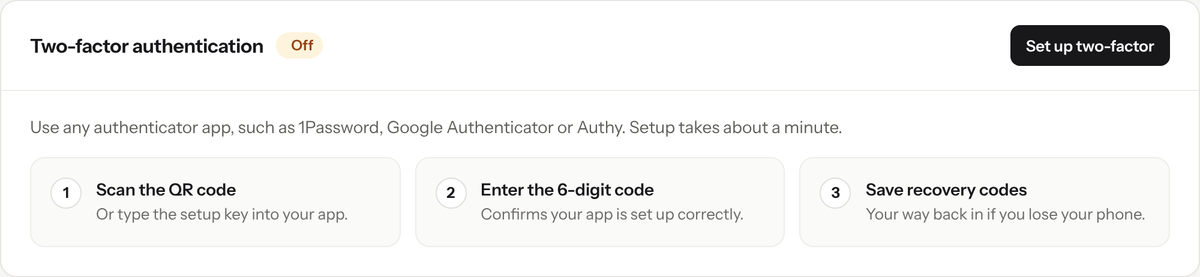
Set up two-factor authentication in three steps.
Once it is on, you can show your recovery codes again, generate new ones, or turn two-factor authentication off.
Step 2: Sign in with Google#
Besides your email and password, you can sign in with Google. Use a Google account with the same email address as your RedirHub account: when the email matches, you are signed in automatically. Your connected methods are listed under Sign-in methods.
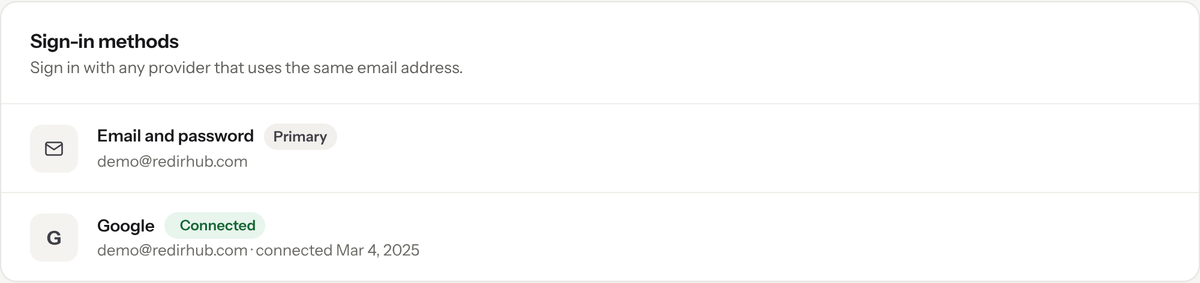
Sign-in methods shows how you can sign in to your account.
Step 3: Review your sessions#
Active sessions lists the browsers recently signed in to your account, with the device, browser, location and last activity. If you don’t recognise one, click Log out other sessions, confirm your password, and then change your password.
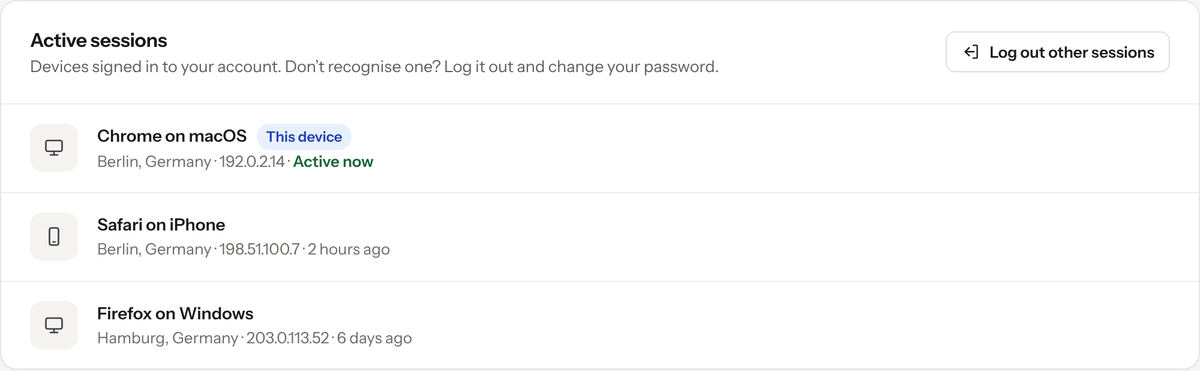
Log out every other browser in one step.
Good to know#
- Log out other sessions logs out every browser except the one you are using.
- Signing in with Google is not the same as SAML single sign-on.
- Keep your recovery codes somewhere other than your phone, such as a printed copy or a password manager you can open from another device.
Frequently asked questions
Any authenticator app works, such as 1Password, Google Authenticator or Authy.
Use one of the recovery codes you saved when you set up two-factor authentication.
Sign in with Google using the same email address as your RedirHub account. When the email matches, you are signed in automatically.
Yes. Click Log out other sessions and confirm your password. Every browser except the one you are using is logged out. Then change your password.