


Branded social links are short URLs that use your own domain or subdomain instead of a generic shortener. They make bios, posts, stories, and ads easier to recognize, reduce visible tracking clutter, and give your team a stable redirect you can update and measure without changing every published social asset.
Branded links for social media give every profile, post, story, and campaign a recognizable address before the click. They are useful when a raw destination is too long, contains campaign parameters, or sends people to a host they do not immediately associate with your business.
Why raw links can work against social campaigns#
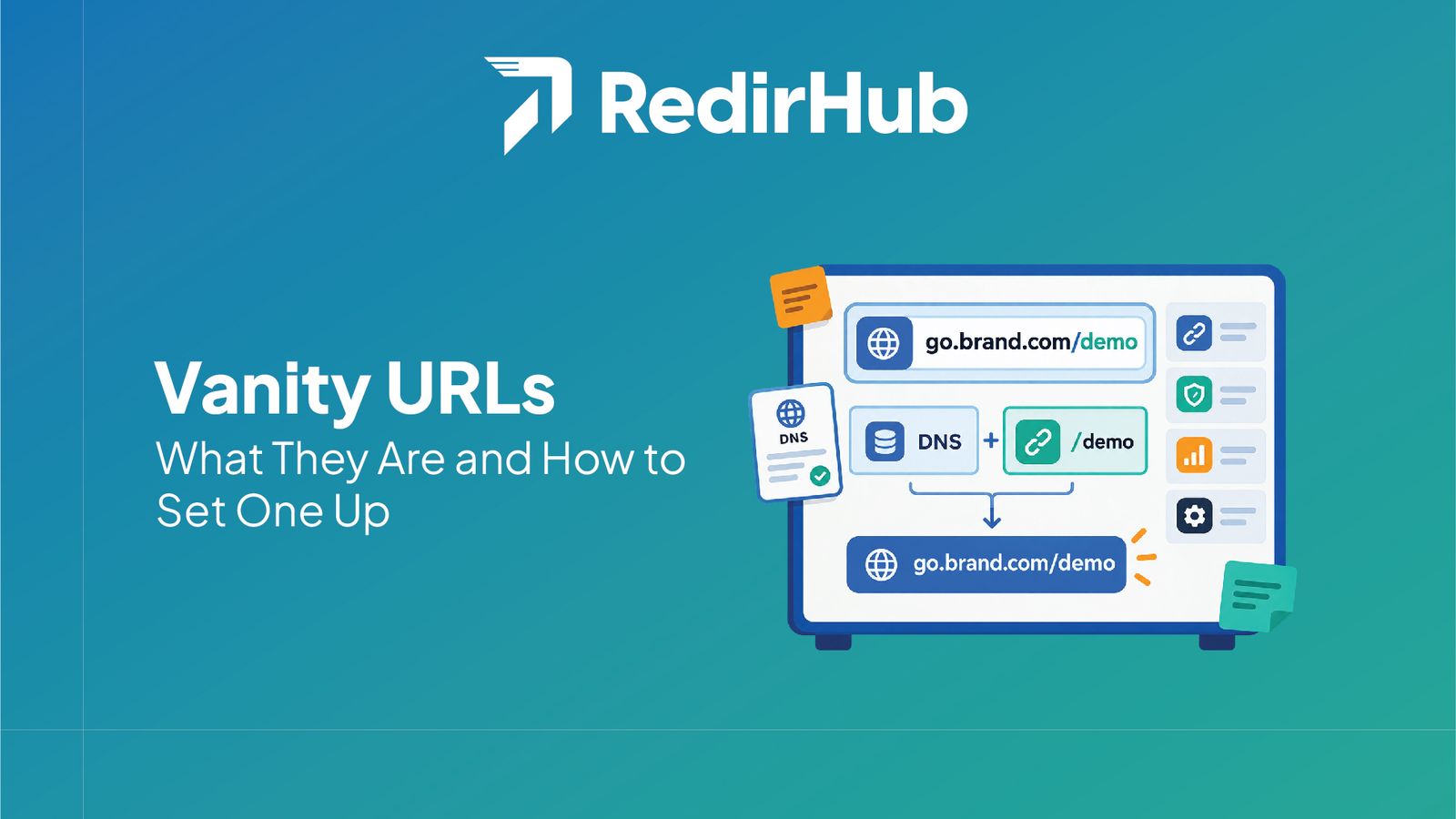
Social platforms compress attention into a small space. A long URL can wrap awkwardly, expose parameters, or make the destination look unfamiliar. A readable address such as go.example.com/launch communicates the brand and the purpose without requiring the reader to decode a string of characters.
Use one link system across bios, posts, stories, and ads#
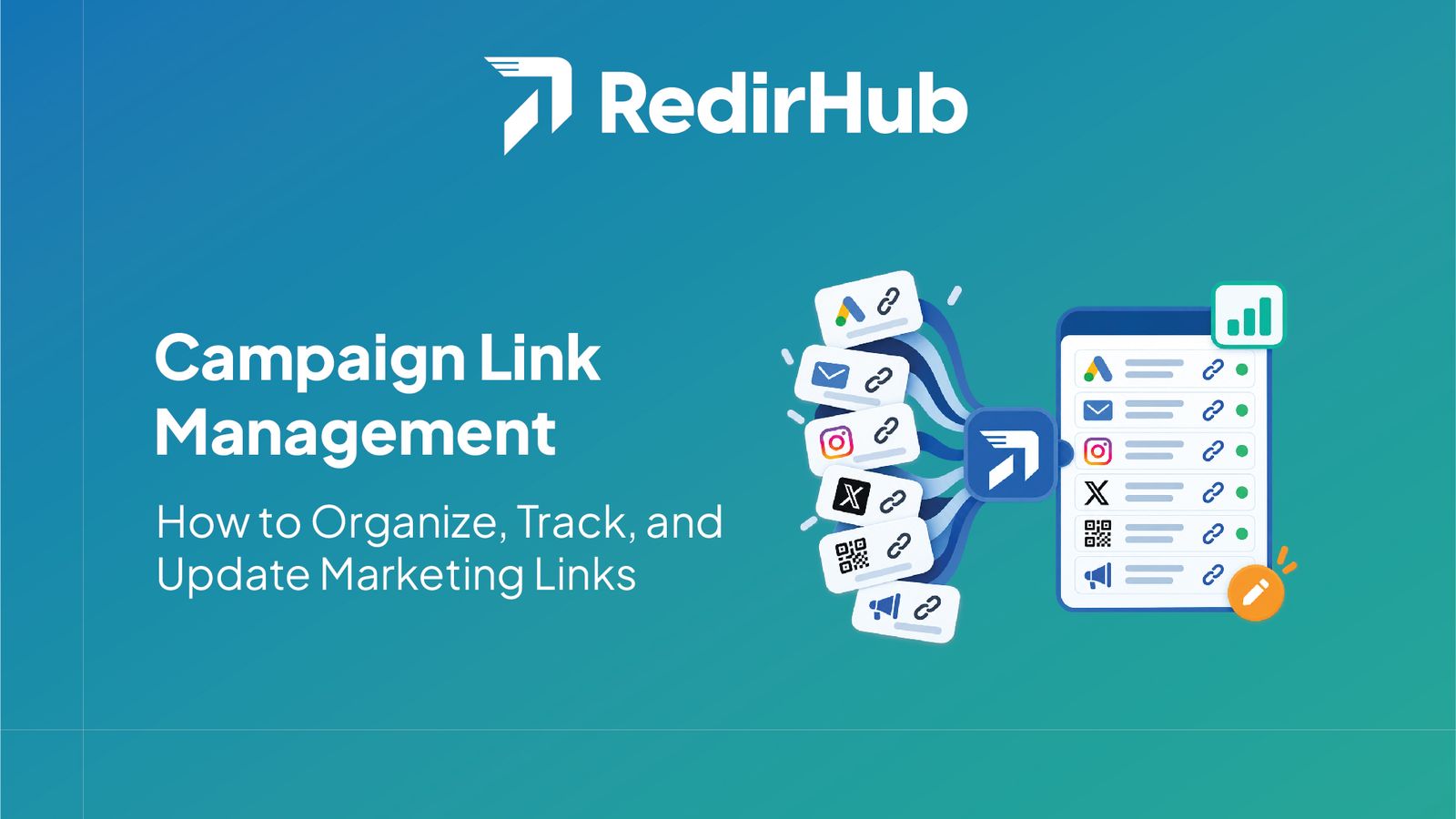
A social bio may need a durable /start link. A campaign post might use /spring, while a paid ad needs a distinct path for attribution. The visible pattern should stay consistent even when each link has a different destination. A shared redirect layer makes those changes easier to manage than editing URLs in several social dashboards.
- Bio: choose a durable path that can survive several campaign cycles.
- Organic content: use a readable path tied to the topic or launch.
- Paid media: separate links by platform, audience, or creative when attribution requires it.
Track social clicks without losing the human-readable URL#
Use a redirect dashboard or analytics integration to compare links by source and campaign. Native platform metrics can explain reach and engagement; redirect data can show what happened after the visible link was requested. Keep naming conventions stable, and remember that consent settings, in-app browsers, and platform privacy controls mean no click report is perfectly complete.
If your team needs a central place to create and update these paths, review the branded links workflow. For a first campaign, a marketing campaign workspace can keep owners, destinations, and reporting conventions together.
A practical setup for a social link#
Start with a domain or subdomain your audience already recognizes. Define a short path, choose the final landing page, and test the redirect in a normal browser and in each platform's in-app browser. Then record the owner, campaign, source, and review date. Before a major launch, a redirect checker can catch a wrong destination or an unexpected chain.
Branded links work best when they are recognizable, documented, and easy to update. Give each social placement a clear purpose, measure it with realistic expectations, and keep the visible path stable while the campaign destination evolves. When you are ready, set up a vanity path on a domain you already own.
Put your domain to work.
Manage branded links, QR destinations, and redirects from one reliable control layer.
Get StartedFrequently asked questions
Branded links are short URLs that use a company-owned domain or subdomain instead of a generic shortening domain. On social media, they make a destination recognizable before someone clicks and can remain consistent across bios, posts, stories, and ads.
Raw URLs can be long, contain distracting tracking parameters, or expose an unfamiliar host. A branded link keeps the visible address compact and recognizable while still redirecting to the full campaign destination.
Yes, when the destination and reporting need are the same. For cleaner attribution, create separate links for a bio, an organic post, a story, and a paid campaign so each source can be measured without relying only on platform analytics.
They can. A redirect platform can record link-level activity, while native social analytics provides platform-specific context. Use consistent naming and compare both sources because privacy settings and platform reporting can change the totals.
Use a short, readable path that identifies the campaign or offer, such as /launch or /webinar. Avoid dates and details that will become misleading if the destination changes, and document the owner and reporting purpose for each link.
Yes, if the redirect is managed centrally. Updating the destination lets a team keep an existing social post, printed asset, or profile link while moving the landing page behind it.

Leo Astarothman is the Brand & Content Lead at RedirHub, where he shapes the company's visual identity, educational content, product experiences, and marketing strategies. He also specializes in system design. Simplifying complex redirect infrastructure into practical resources, product experiences, and campaigns that help businesses understand and adopt modern redirect management.