SSL Redirects: How to Redirect a Domain over HTTPS Without Certificate Errors

When you redirect a domain, securing the connection with SSL/TLS isn’t just a nice-to-have—it’s essential for SEO, user trust, and compliance. Without HTTPS, visitors may see browser warnings, search engines may penalize your site, and sensitive data could be exposed. This guide explains why SSL is non-negotiable for modern redirects and how to implement it correctly.
Why SSL Matters for Domain Redirects#
SSL (Secure Sockets Layer) and its successor TLS (Transport Layer Security) encrypt data between the user’s browser and your server. For redirects, this encryption ensures that:
- No security warnings: Modern browsers flag HTTP pages as “Not Secure.” If your redirect runs over HTTP, visitors may see a warning before reaching the destination.
- SEO boost: Google uses HTTPS as a ranking signal. Secure redirects help preserve—or even improve—your search visibility.
- Data integrity: Encryption prevents man‑in‑the‑middle attacks that could alter the redirect destination.
- Referrer data: browsers don't send the referrer from an HTTPS page to an HTTP one, so a redirect or destination that stays on HTTP loses it.
Why https:// redirects fail#
A browser has to complete the TLS handshake before it ever sees the redirect. So the server answering for the old domain needs a valid certificate for that exact name. Many registrar forwarding services and simple redirect hosts only hold certificates for their own domains, which is why http://old-domain.com redirects fine while https://old-domain.com shows a privacy warning. The same thing happens when the certificate covers the root but not www, or the other way round.
Common SSL Redirect Mistakes#
Even experienced teams can stumble when configuring SSL for redirects. Watch out for these pitfalls:
- HTTP-only redirects: Many registrar forwarding services only work over HTTP. Visitors typing https:// see a certificate warning instead of being redirected.
- Mixed-content chains: If your redirect starts on HTTPS but points to an HTTP destination, browsers may block resources or show warnings.
- Certificate mismatches: SSL certificates must be valid for the exact domain being redirected. Wildcard certificates can help, but expired or incorrectly issued certificates break the redirect.
- Redirect loops: Configuring both HTTP→HTTPS and HTTPS→HTTP redirects can create infinite loops, making the domain inaccessible.
Best Practices for SSL Redirects#
Follow these guidelines to ensure your SSL redirects are secure, fast, and SEO‑friendly:
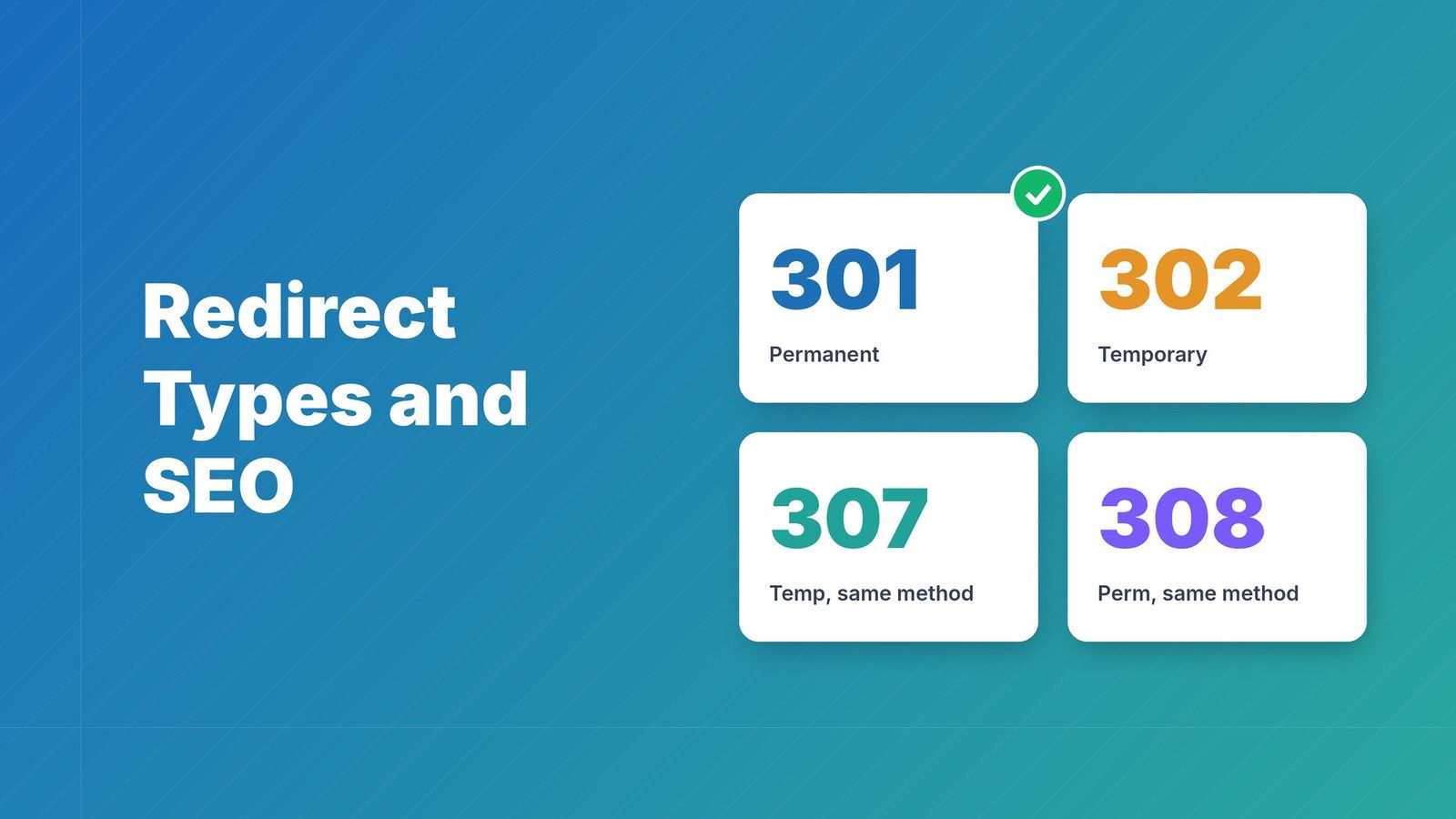
- Use 301 (permanent) redirects: For domain moves, a 301 redirect passes the most link equity and tells search engines to update their index.
- Redirect all HTTP traffic to HTTPS: Set up a rule that catches any http:// request and redirects it to the https:// version of the same URL.
- Enable HSTS (HTTP Strict Transport Security): HSTS tells browsers to always use HTTPS for your domain, preventing SSL‑strip attacks and eliminating the first insecure request.
- Keep certificates up‑to‑date: Automate certificate renewal with tools like Let’s Encrypt, or use a platform that handles SSL provisioning for you.
- Avoid redirect chains: Point directly to the final destination. Each extra hop adds latency and increases the chance of something breaking.
How RedirHub Simplifies SSL Redirects#
Managing SSL certificates and redirect rules manually is error‑prone and time‑consuming. RedirHub automates the entire process:
- Automatic HTTPS: as soon as a domain points to RedirHub, a certificate is issued and renewed for the root and www, including wildcard certificates for subdomains.
- Global edge network: redirects are served from 130 edge locations, so the TLS handshake happens close to the visitor.
- HTTP and HTTPS on the same rule: visitors who type http:// or https:// reach the same destination.
- Click analytics: see clicks per redirect, with known bots filtered out.
Step‑by‑Step: Setting Up an SSL Redirect with RedirHub#
- Start a free trial: create a RedirHub account with a 14-day free trial.
- Create the redirect: enter the domain under Redirect from (for example old-example.com) and the destination under Redirect to.
- Point DNS: at your DNS provider, set an A record for the root and a CNAME for www (or use RedirHub's nameservers). Only these records change, so email keeps working. HTTPS is issued automatically once the records resolve.
- Choose the redirect type (301 · Permanent for a domain move) and whether to keep the path or send everything to one URL.
- Verify HTTPS: open https://yourdomain and https://www.yourdomain and confirm both redirect without a certificate warning.
Is your redirect working over HTTPS? Enter your old domain. You'll see the status code, where it lands, whether HTTPS is valid, and how fast it answers from Washington, Frankfurt and Tokyo, ranked against every redirect tested in the last 7 days.
Test my redirectKeeping HTTPS working across many redirect domains#
One redirect domain is easy. Hundreds of them (old brands, country domains, typo domains, campaign domains) are where certificates quietly expire. What works at that scale:
- Issue and renew automatically with ACME. Manual renewal doesn't survive shorter certificate lifetimes.
- Cover both the root and www for every domain, and use wildcard certificates where you redirect many subdomains.
- Watch DNS. A certificate can only renew while the domain still points where validation is answered, so a DNS change elsewhere can break renewal weeks later.
- Monitor expiry from outside and alert a shared channel.
This matters more every year: public certificates are capped at 200 days now and drop to 47 days by 2029, and Let's Encrypt moves to 45-day certificates by 2028. See the 45-day certificate timeline for the dates and a checklist.
Conclusion#
SSL is no longer optional for domain redirects—it’s a requirement for security, SEO, and user experience. By following best practices and leveraging a platform like RedirHub, you can automate certificate management, ensure global performance, and keep your redirects secure without manual overhead. Start a 14-day free trial today and redirect your domains with confidence.
Frequently asked questions
SSL encrypts the connection between the user and your server, preventing security warnings, preserving SEO rankings, and ensuring referrer data is passed correctly. Without SSL, browsers may flag your redirect as “Not Secure,” harming trust and search visibility.
HTTP redirects are unencrypted and can be intercepted or altered. HTTPS redirects are encrypted, secure, and preferred by search engines. Modern browsers warn users when accessing HTTP pages, which can lead to abandonment.
For every domain connected to RedirHub, a certificate is issued and renewed automatically for the root and www, including wildcard certificates for subdomains. You don't install or renew anything yourself.
Yes. A RedirHub redirect answers on both http:// and https://, so visitors reach the destination whichever they type. On your own server, add a rule that sends every http:// request to the https:// version with a 301.
The certificate served for the domain you're redirecting from doesn't cover it, or has expired. This is common with registrar forwarding, which often has no certificate for your domain, and with www, which needs to be covered too. The redirect can only happen after a valid TLS handshake.
Barely. TLS 1.3 needs one round trip to set up, and an edge network keeps that round trip short. A redirect chain or a slow origin costs far more than encryption does.

TC is the Operations Manager at RedirHub, leading the company’s operational strategy and execution to ensure reliable, scalable redirect infrastructure. He oversees internal processes, cross-team coordination, and platform readiness while supporting customers through complex redirect implementations. With a strong understanding of large-scale domain operations and real-world edge cases, TC plays a key role in aligning product and customer success to deliver stable, high-performance redirection solutions.
Related Articles
View All Articles