
Back to ChangelogNovember 20, 2026
HTTPS and your links on your own servers, with no certificates to manage
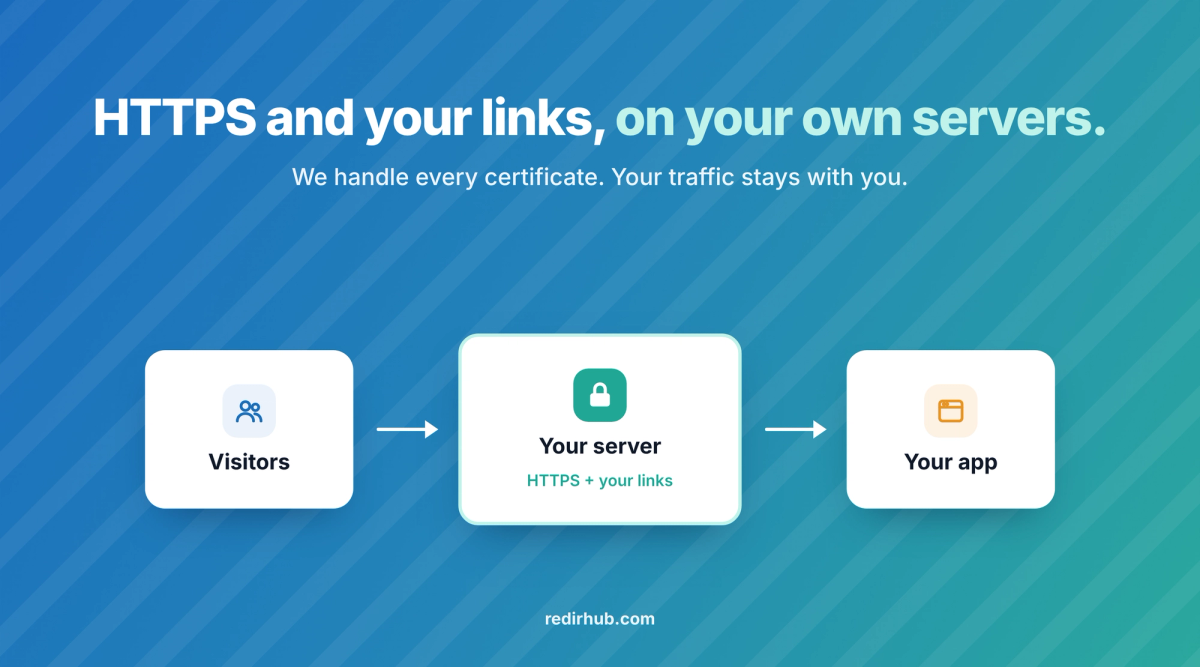
Your customers' domains can now get HTTPS, redirects and short links from servers you run, without a single certificate to manage. Self-Hosted Edge, the Pro add-on called Self-Hosted TLS until today, runs as one Docker container in front of your application. RedirHub issues, renews and syncs every domain's certificate to each server, and visitor traffic never passes through RedirHub.
What you get#
- HTTPS for every domain, nothing to renew. Each certificate is issued once your servers answer for the domain on port 443, then renewed and synced to every server. It covers www when www points to the same servers. No ACME client, renewal script or cron job on your side.
- Your links, in front of your app. The container serves the domain's redirects and short links with the same redirector as RedirHub's edge, Custom HTML pages and password-protected links included. A link for a path redirects before your application answers; a catch-all link only takes the pages your application answers with 404.
- Visits and 404s in Analytics. Each server reports its visits and your application's 404s, so URLs that visitors still request but that no longer resolve show up per domain.
- Every server in step. The dashboard shows each server, when it last checked in and whether it is in sync.
- Wildcards with one record. For *.example.com, add one CNAME for _acme-challenge pointing to the address RedirHub gives; every renewal after that is automatic. A wildcard domain gets the certificate only, not links.
- Customer domains added by code. Add domains in the dashboard (Other ways to connect, On my own servers), through the API with
connection_modeset toself_hosted, or with the Terraform provider.
Start in minutes#
- Get the add-on. Start Pro's 14-day free trial with Self-Hosted Edge, or add it to a Pro plan in the dashboard. It is free until the trial ends; a card is needed to start.
- Add the domain in the dashboard, the API or Terraform.
- Run the container on each server. It needs Docker, port 443 reachable from the internet and your workspace token (REDIRHUB_TOKEN). Requests go to your application on port 80, or to the address set in UPSTREAM.
- Point the domain's DNS at your servers. The certificate is issued as soon as they answer on port 443.
Pricing#
- Self-Hosted Edge is a $100/month add-on to Pro: from $219/month with 250 domains and up to 100 servers.
- The price per domain falls with volume, down to $1,949/month for 50,000 domains ($0.04 a domain). There is no charge per request, subject to fair use.
- More than 100 servers is Enterprise, by contract. Self-Hosted Edge is not available on Core. See the plans.
Good to know#
- Only want HTTPS? Set LINKS=off and every request goes straight to your application.
- In the MCP server, connect-host takes the connection mode, and get-host gives managers the token and the run command.
- How it compares with Cloudflare for SaaS: Managed SSL certificates on your own servers.
- Step by step: Set up Self-Hosted Edge.