


ブランド
RedirHub ブランドガイドライン
RedirHub を一貫してプロフェッショナルに提示するためのリソース。
Naming
RedirHub is written as one word, with a capital R and capital H. Use RedirHub when referring to the company, product, and public brand.
Approved product terminology
Usage
Use the provided artwork as-is. The logo should feel clear, calm, and intentional in the layout it appears in.
Do
- Use the exact RedirHub lockups and icon assets provided here.
- Use the full-color logo on light or white backgrounds.
- Use the white logo only on dark, high-contrast backgrounds.
- Keep the full logo at least 120px wide and the icon at least 32px wide.
- Leave enough open space around the mark so it is easy to read.
Don't
- Do not recolor the logo or replace the approved blue, teal, or amber.
- Do not stretch, skew, rotate, or distort the lockup.
- Do not redraw the icon, reset the wordmark, or recreate the logo in another typeface.
- Do not place the colored logo on busy, low-contrast, or clashing backgrounds.
- Do not add shadows, outlines, patterns, or extra effects to the logo.
Wordmark
Use the horizontal RedirHub lockup for most public placements.
RecommendedThe full-color version is the primary configuration on light or white backgrounds. Use the white version only on dark, high-contrast backgrounds.


Logo / Icon
Use the icon when space is limited or when a compact brand mark is required. Keep it at least 32px wide. Use the full logo when there is enough room for recognition and clarity.

Colors
Use the live RedirHub theme colors below. Inter is the site and system font. JetBrains Mono is reserved for real code, API, and terminal contexts.
Blue
#1C6DB6
Teal
#20A795
Amber
#E59426
Dark
#101828
Gray 700
#344054
Gray 300
#D0D5DD
Gray 50
#F9FAFB
Downloads
Includes all approved SVG variants plus the published large and small PNG files.
SVG assets
- Download
Horizontal logo SVG
Primary full-color lockup for light and white backgrounds.
- Download
Logo on white SVG
Full RedirHub lockup on its own white field.
- Download
Icon SVG
Standalone transparent icon mark for compact placements.
- Download
Icon on white SVG
Rounded-square icon for app and directory placements.
- Download
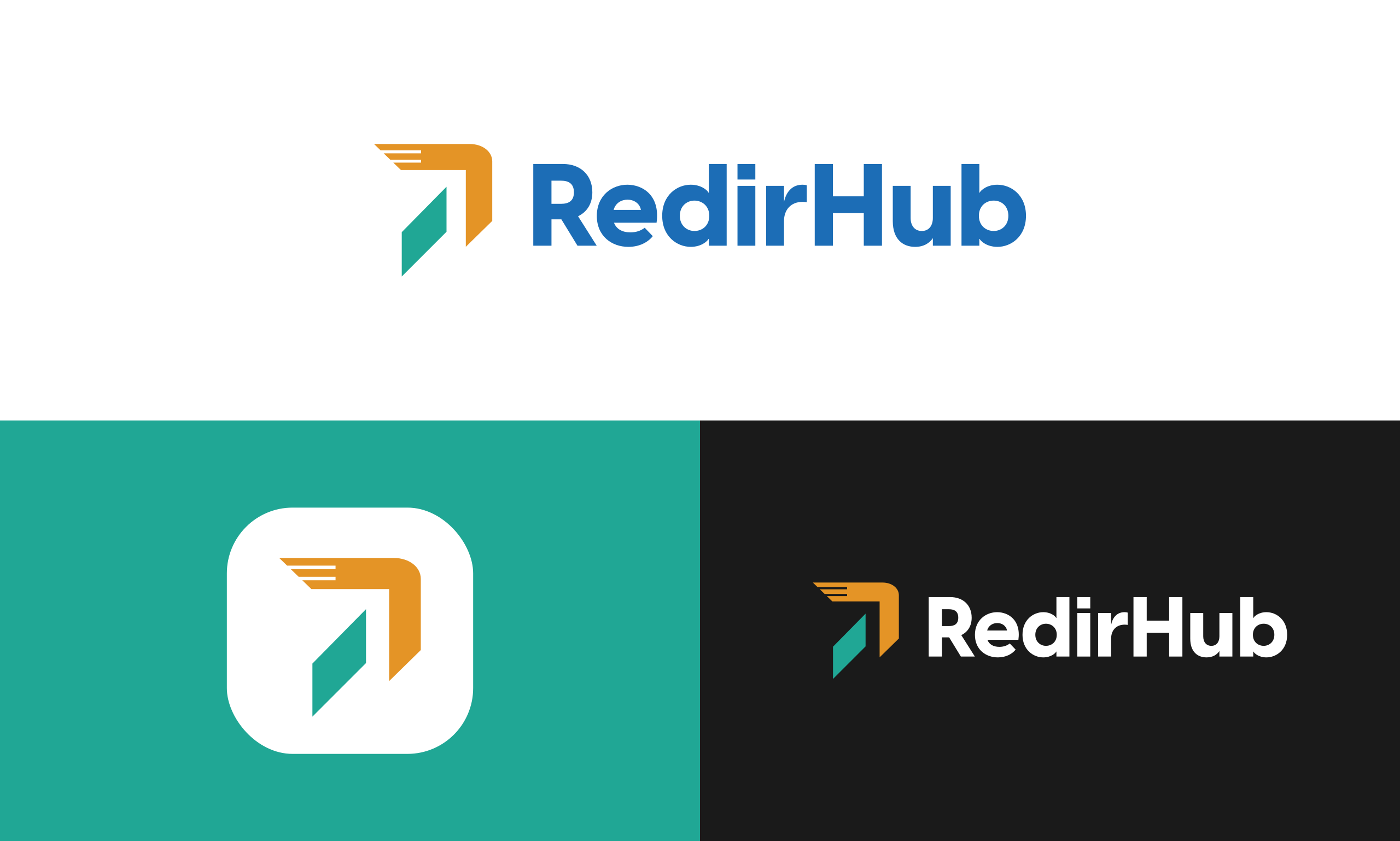
Brand overview SVG
Complete layout with light, teal, and dark configurations.
PNG assets
- Download
Transparent logo PNG
1789 x 364
- Download
White background logo PNG
1789 x 364
- Download
White transparent logo PNG
1789 x 364
- Download
Gradient logo PNG 1
1789 x 364
- Download
Gradient logo PNG 2
1789 x 364
- Download
Gradient logo PNG 3
1789 x 364
- Download
Small transparent PNG
120 x 48
- Download
Small white background PNG
120 x 48
- Download
Small white transparent PNG
120 x 48
- Download
Small gradient PNG 1
120 x 48
- Download
Small gradient PNG 2
120 x 48
- Download
Small gradient PNG 3
120 x 48